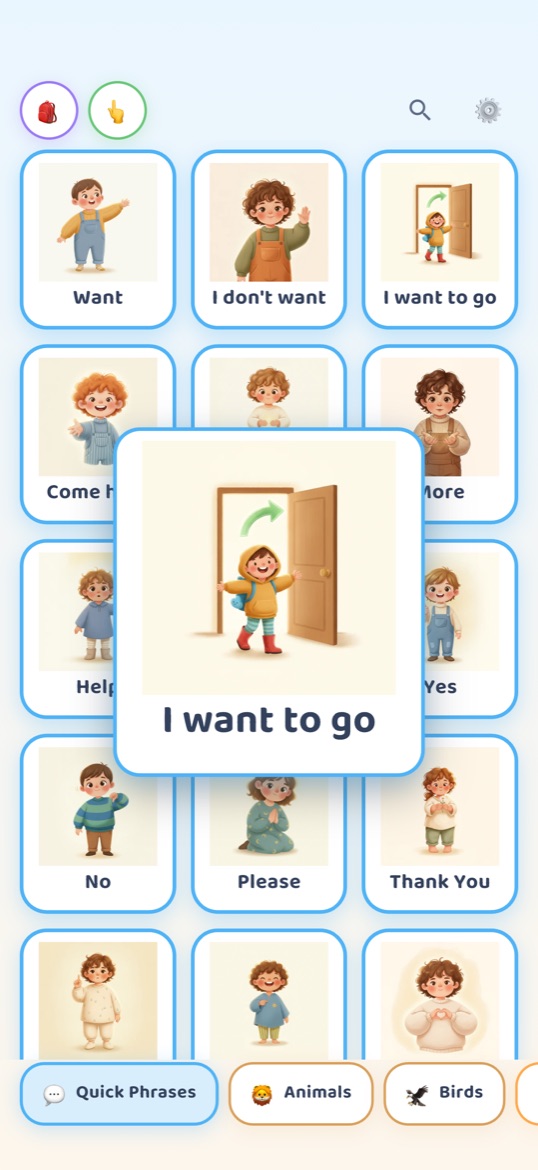
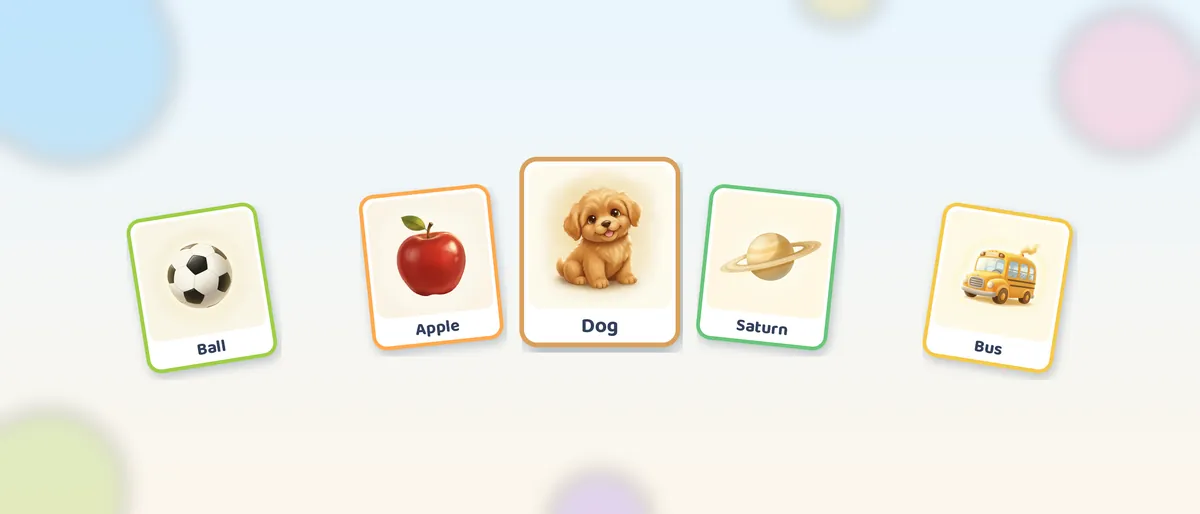
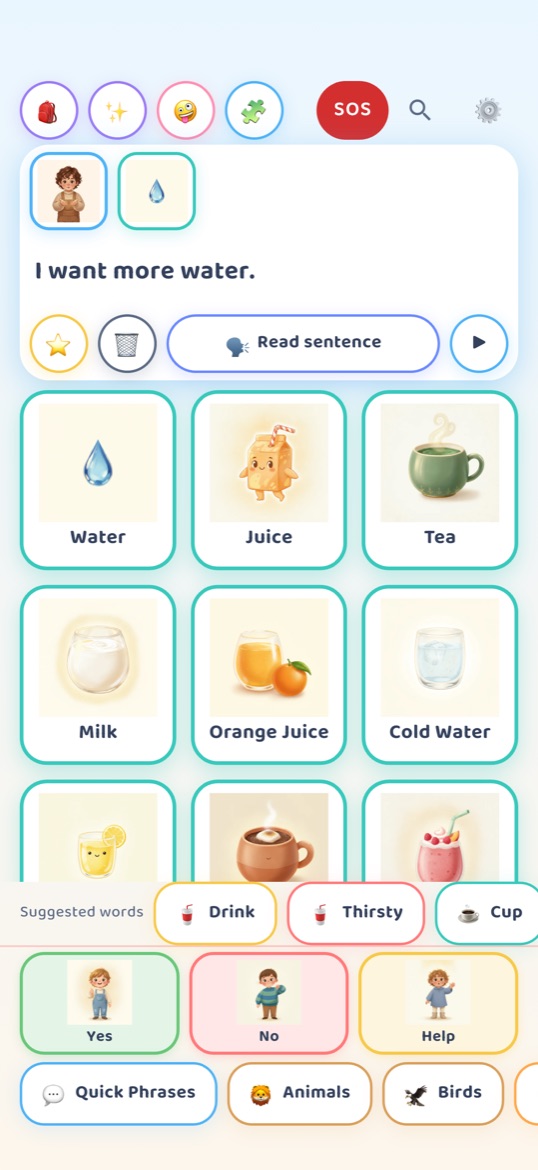
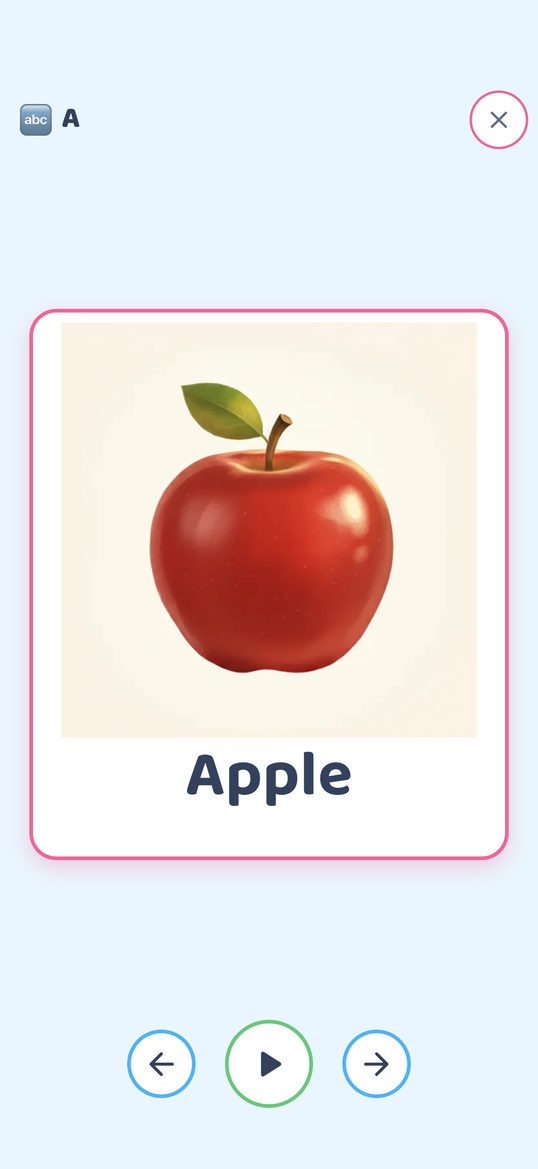
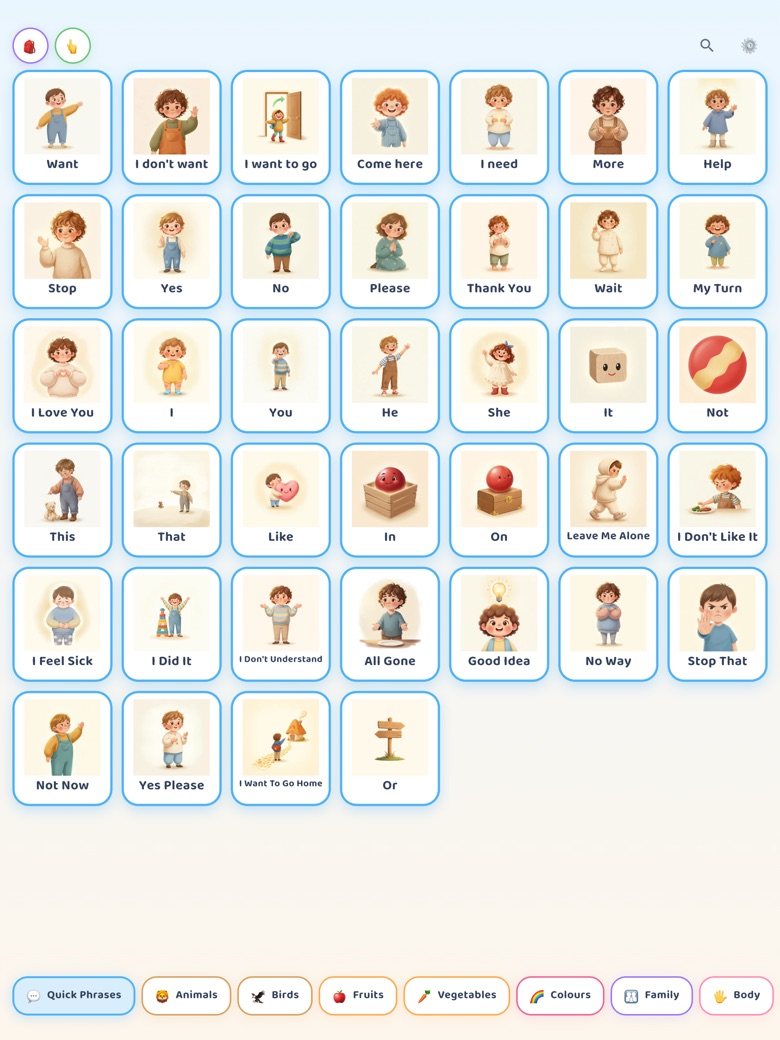
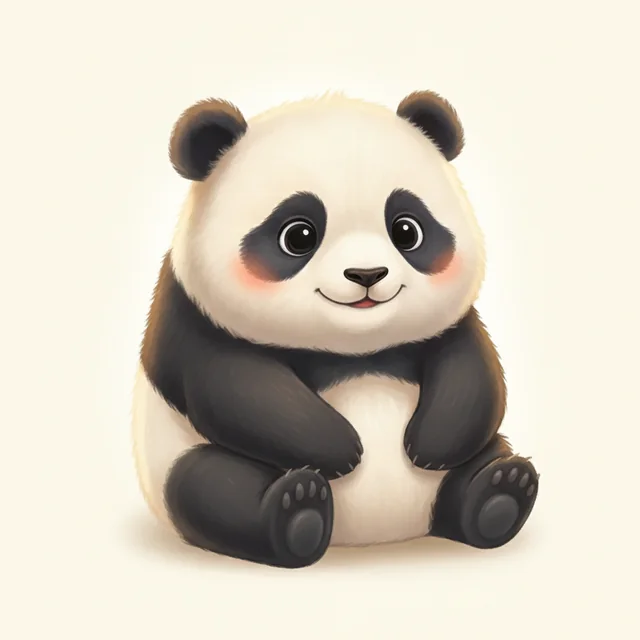
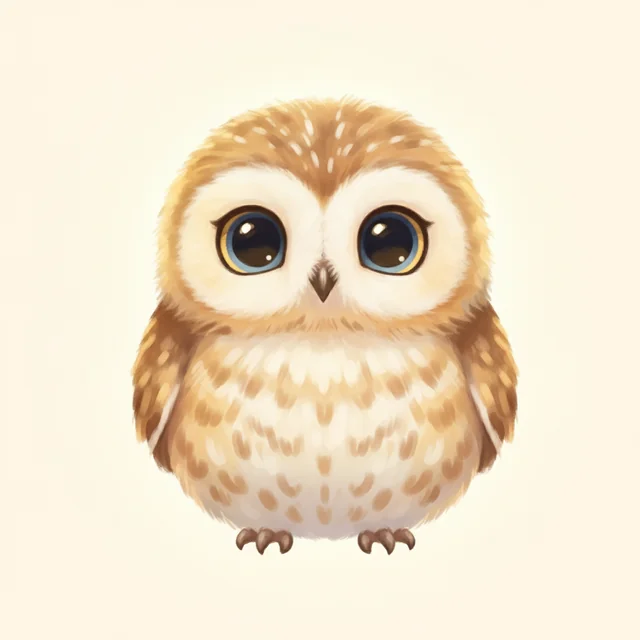
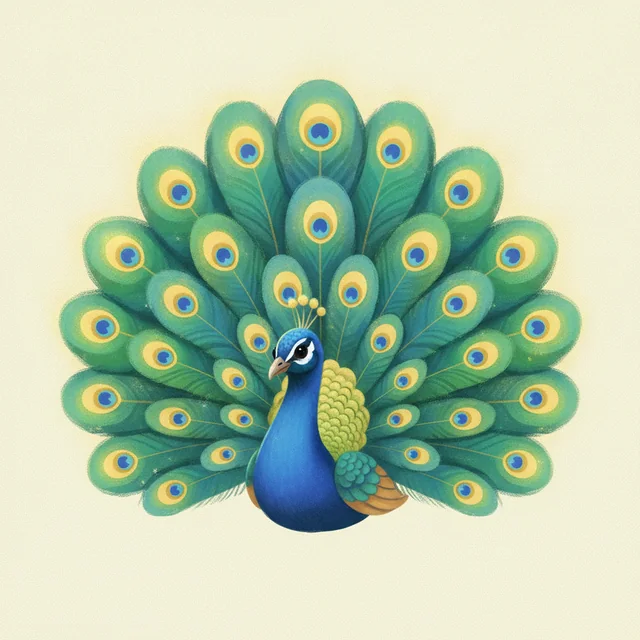
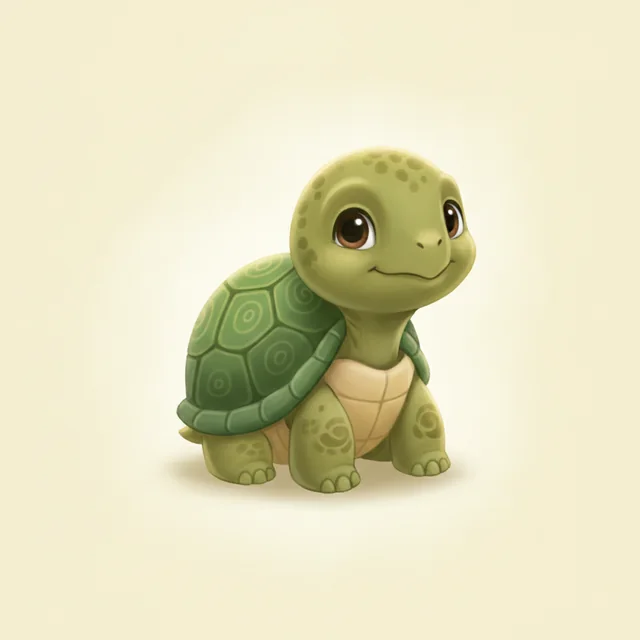
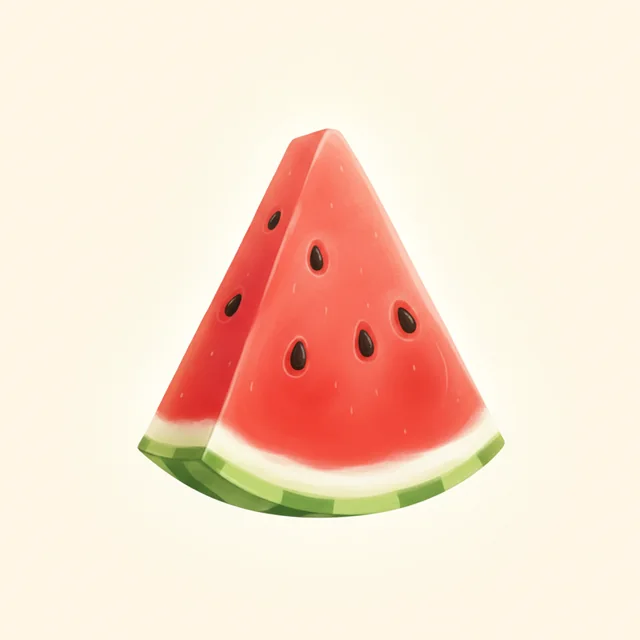
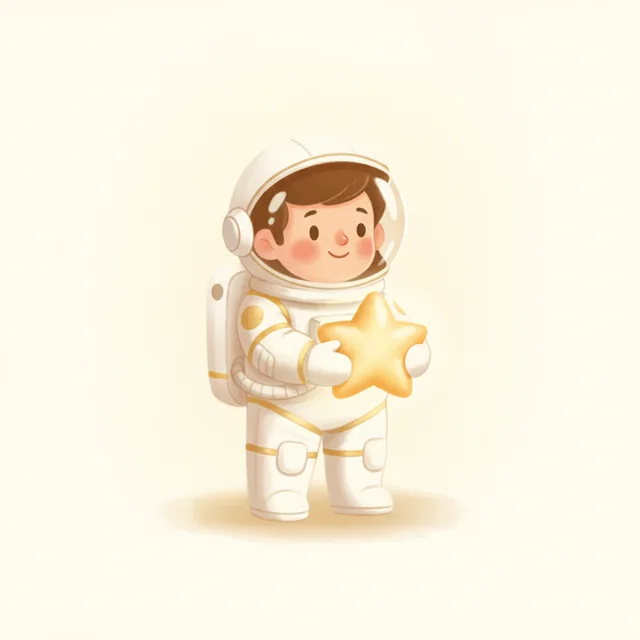
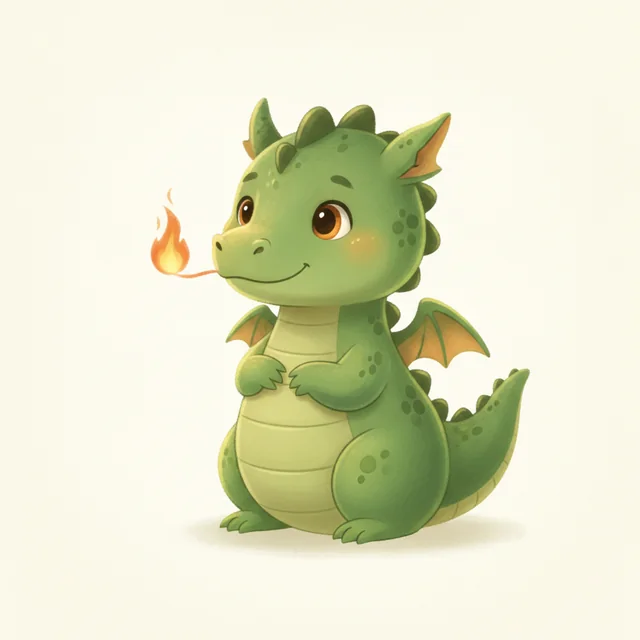
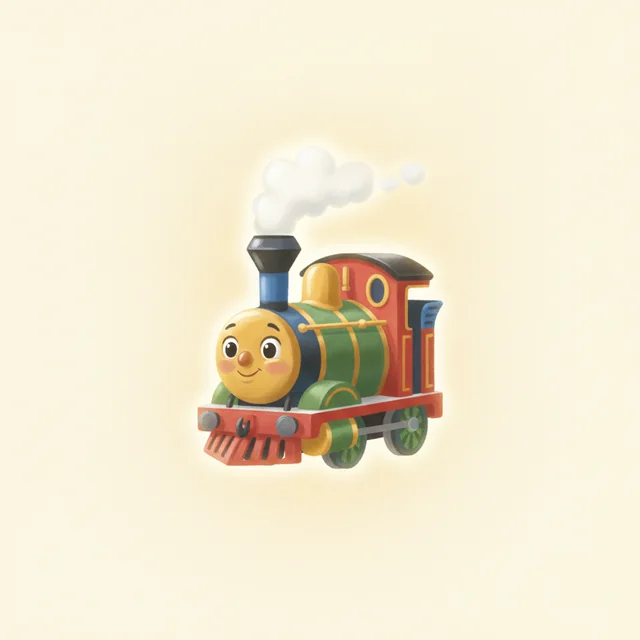
Thirty of the app’s 1,700+ words. Tap a card, hear the word and see it big — that is how the app opens, as a learning board you use together. Then switch to Build a sentence: tap Want then Water and the cards become a sentence. Each card speaks with the app’s own narrated voice, and the play button reads the finished sentence with your browser’s voice, the same way the app uses your device’s voice.
A small taste of the board. Inside the app it works even better — the whole sentence is spoken aloud in one voice, and the board suggests the next word as you tap.
A child taps a picture card, hears the word and sees it big, and you say it together. When they are ready, the talking board turns taps into a grammatical sentence and speaks it aloud. It is meant to be used alongside a child’s own talking — to support speech, never to stand in for it.
Works offline No accounts No ads No tracking
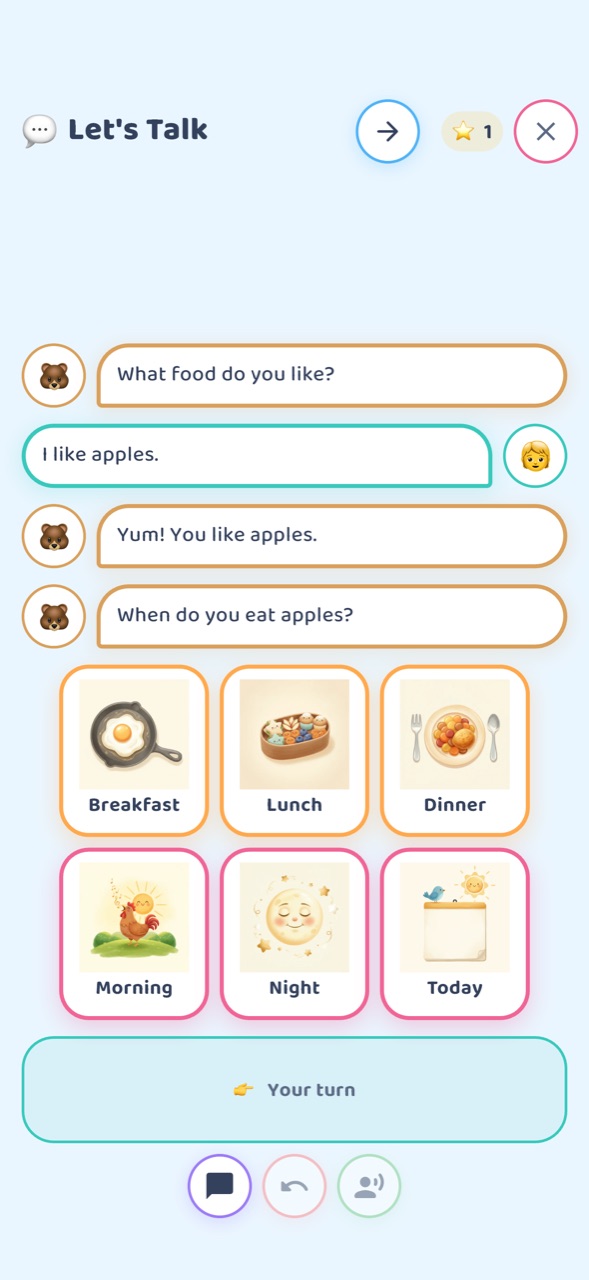
A buddy asks a question, the child answers by tapping a picture, and the buddy answers back — then asks the next question, built on what the child said. Every line is written by people, not generated by AI, and every sentence comes from the same grammar engine as the board. 31 subjects in each language — everyday chats, stories, a counting round and a letter round — each written in that language rather than translated: an Arabic child is asked about manakish, a Turkish child about simit.
A real conversation from the app, word for word. The cards speak with the app’s narrated voice; the buddy uses your browser’s voice, the way the app uses your device’s voice. Inside the app it works even better — every card a child picks gets its own reply.
Arabic has 29 subjects and no letter round — Arabic letters change shape by position, so it gets the counting round instead. Nepali also has 29, with the counting round and no letter round.
Let’s Talk is free for every family on every store. Little Bear’s Big Week is one story in three chapters, told one a day: chapter 1 is free, and chapters 2 and 3 open with the full app or a free window.
Filmed on iPad in August 2026 — before the 2.24 redesign, so the board it shows opens differently today. The app is on the App Store, Google Play and the Amazon Appstore.
A full-screen keyboard with big letter keys: the child types, and the app reads it aloud. When a typed word matches one of the child’s cards, that card lights up and plays its word, and Hear it as a sentence runs the cards through the same grammar as the talking board. Every key is narrated, and so is each word that matches a card; whole sentences, and typed words that match no card, are spoken by the device’s own voice.
Recorded on iPad from version 2.28.0, with no voice-over. The keys and card words are the app’s narrated clips; the sentences use the device’s voice — a Mac voice stands in for the iPad’s in this recording.
It is in all six languages, each with its own keyboard — Arabic and Nepali Devanagari included — and it is free for everyone: the ⌨️ Type button sits in the board’s header.
On an English board, Say It shows how a word is made: a friendly animated face — a kid or a bear — makes the mouth shapes one beat at a time, and the app says each beat and then the whole word. The child watches, listens, and then has a turn. There are 226 English words in seven levels, from lip sounds like m, b and p up to tricky ones like r and th, plus word sets from five of the storybooks.
Recorded on iPad from version 2.28.0. No voice-over: every sound is the app’s own — each beat, the word, “Your turn!” and a word of praise.
From the board, open Learning, then tap Say It (English). The seven levels run from the lips to tricky sounds. Pick a word, tap Go!, watch the mouth, then listen — “bib”, then “Your turn!” and “You gave it a try!”. More words follow: “egg”, “nest”, then “milk” in the Mouth view, a close-up of the lips and tongue. Long words go beat by beat — “tuh, may, toe… tomato” — and Next moves on to “elephant”: “el, luh, funt… elephant”. A child who is done early taps the ring.
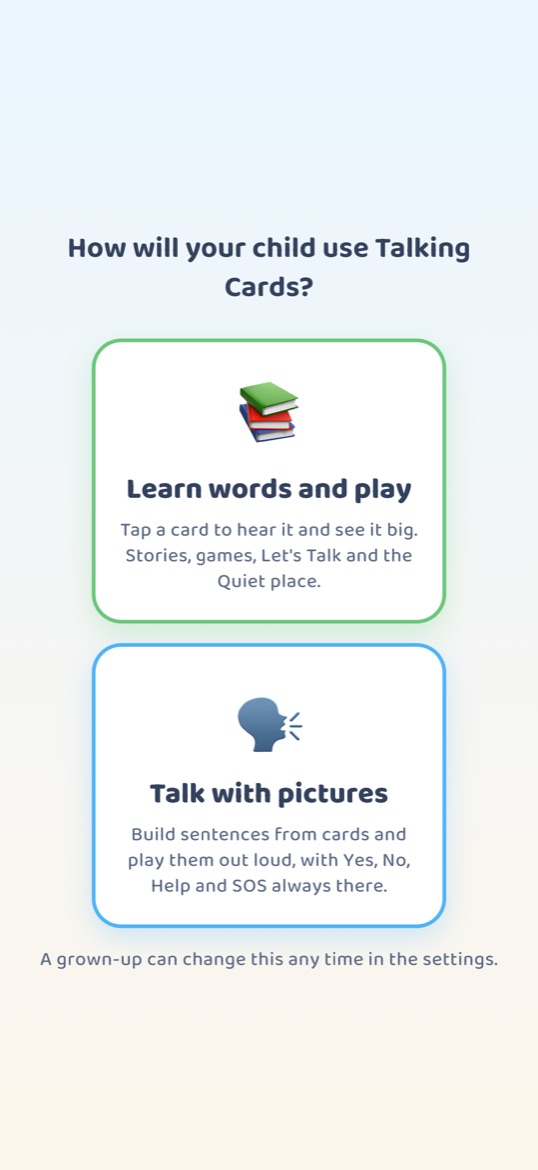
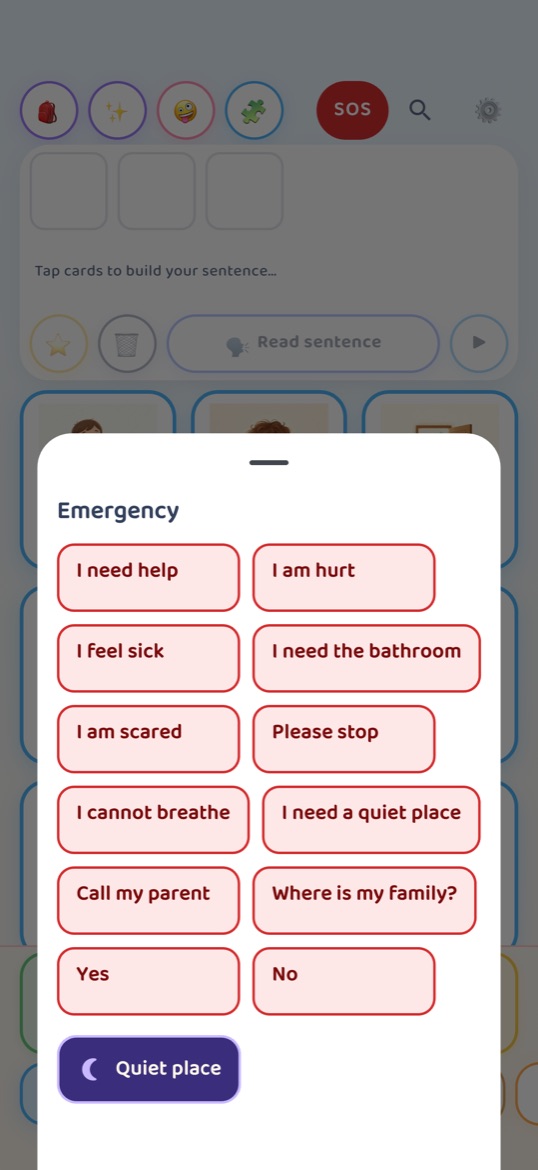
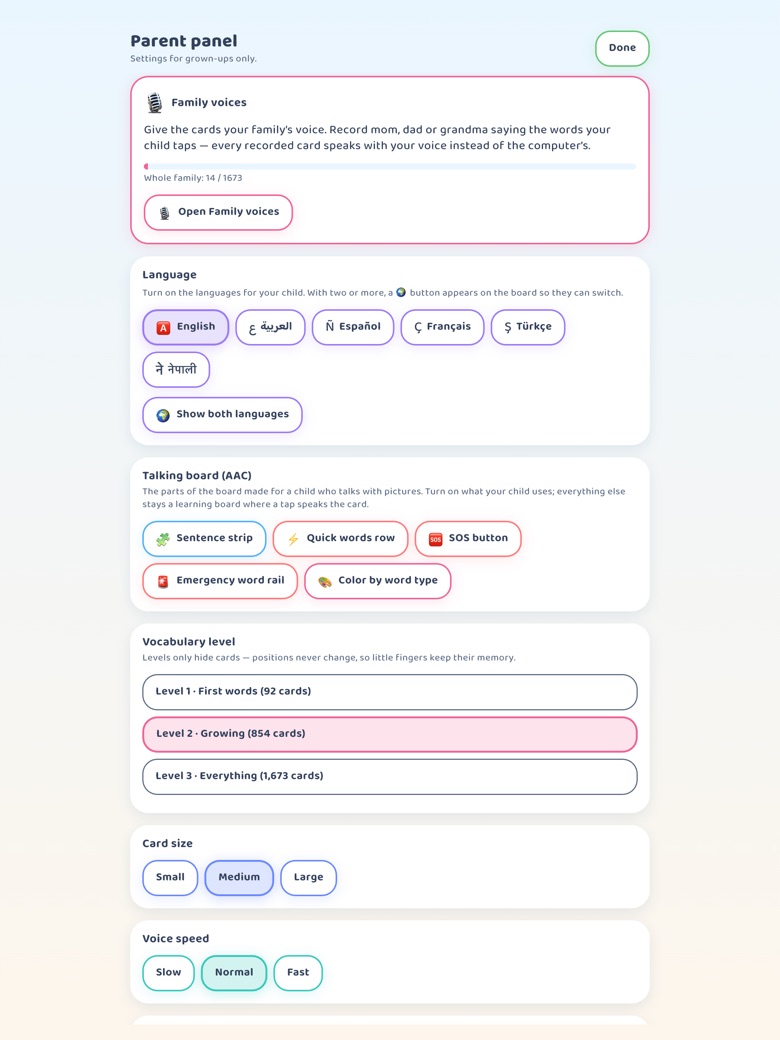
It opens as a learning board: 1,700+ picture cards in 69 categories, and tapping one speaks the word and holds the picture up big. When a child is ready to put words together, a grown-up switches on the talking board in the parent panel — then tapping cards fills a sentence bar, the app works out the grammar and speaks the finished sentence aloud, with Yes, No, Help and the emergency board always in reach. Card audio is narrated, not a recording of a person — except in Family Voices, where a parent can record a family member saying a word so that card speaks in a familiar voice.
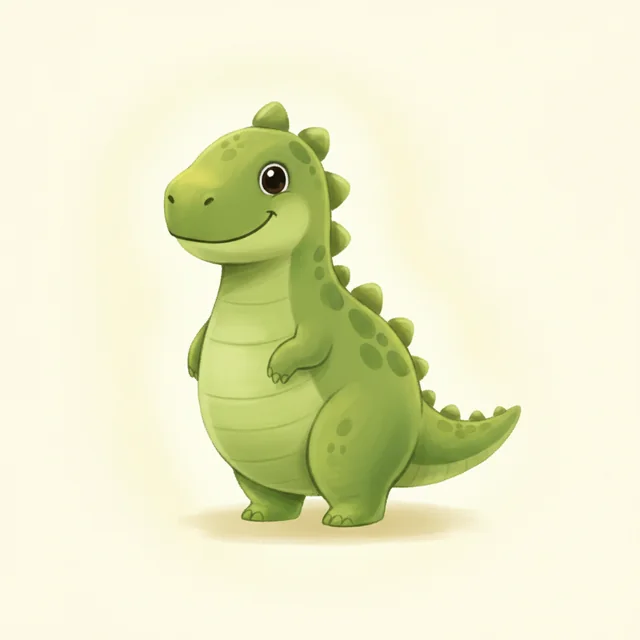
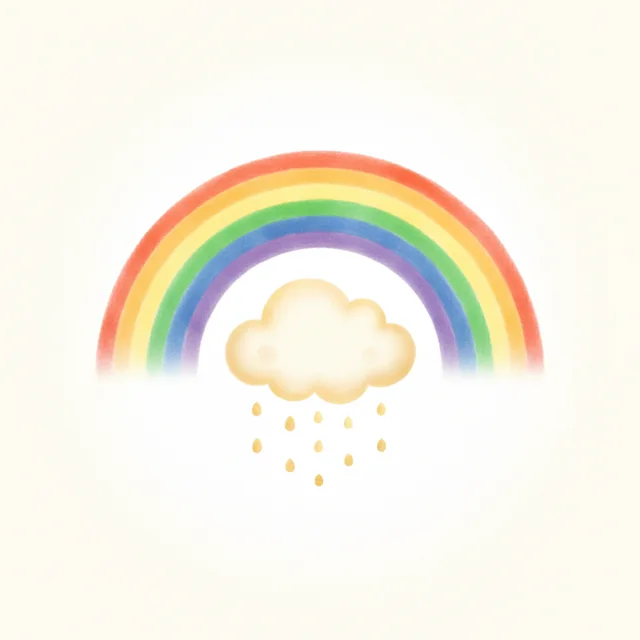
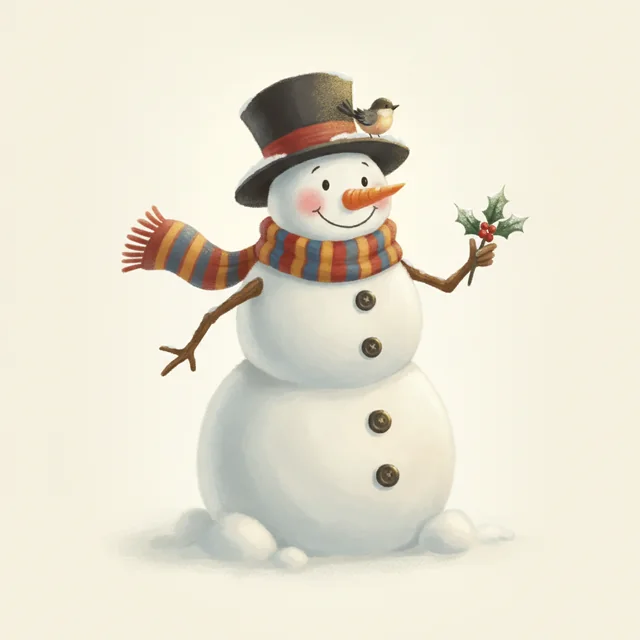
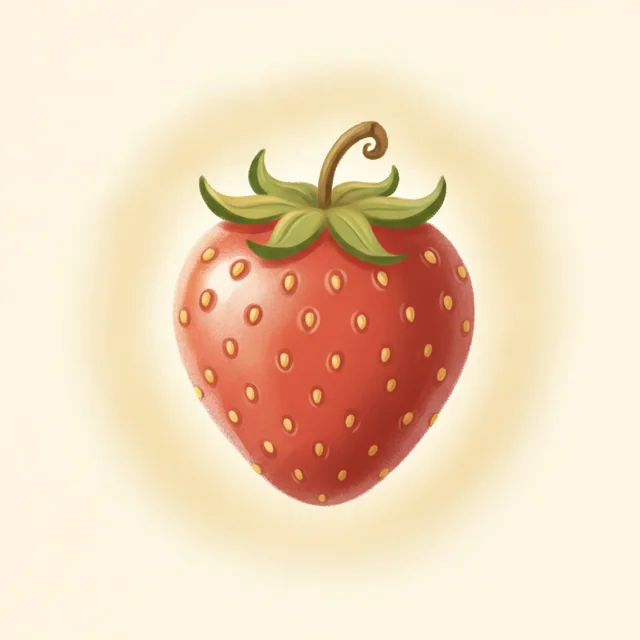
All 1,700+ picture words are illustrated in the same warm storybook style, so the board feels like one book rather than a sticker box. Here are thirty of them.
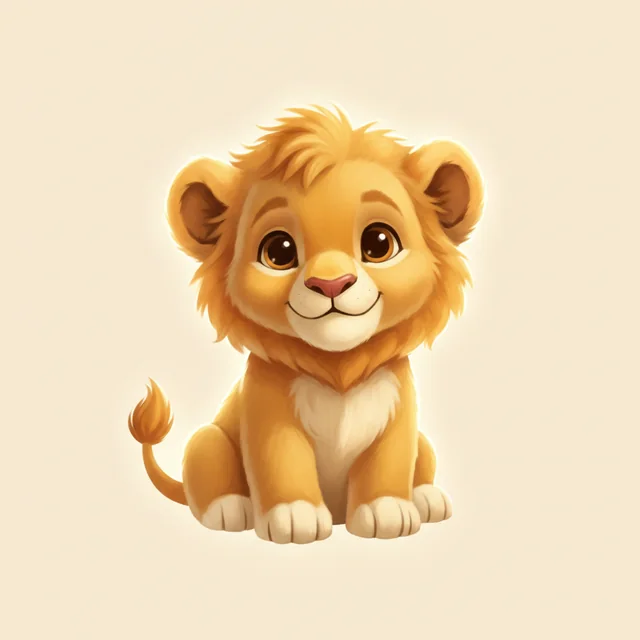
Lion


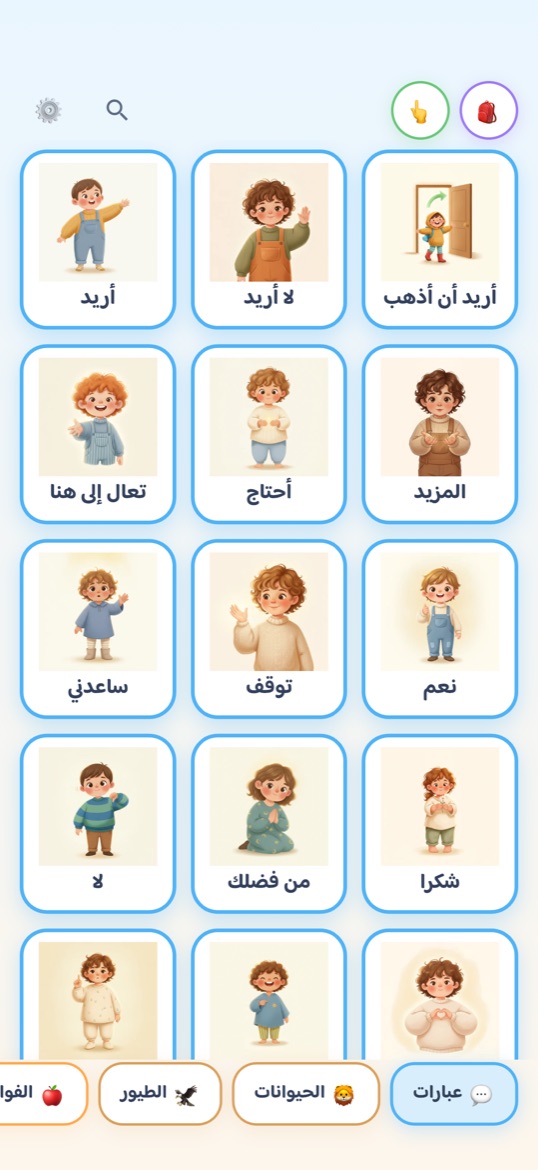
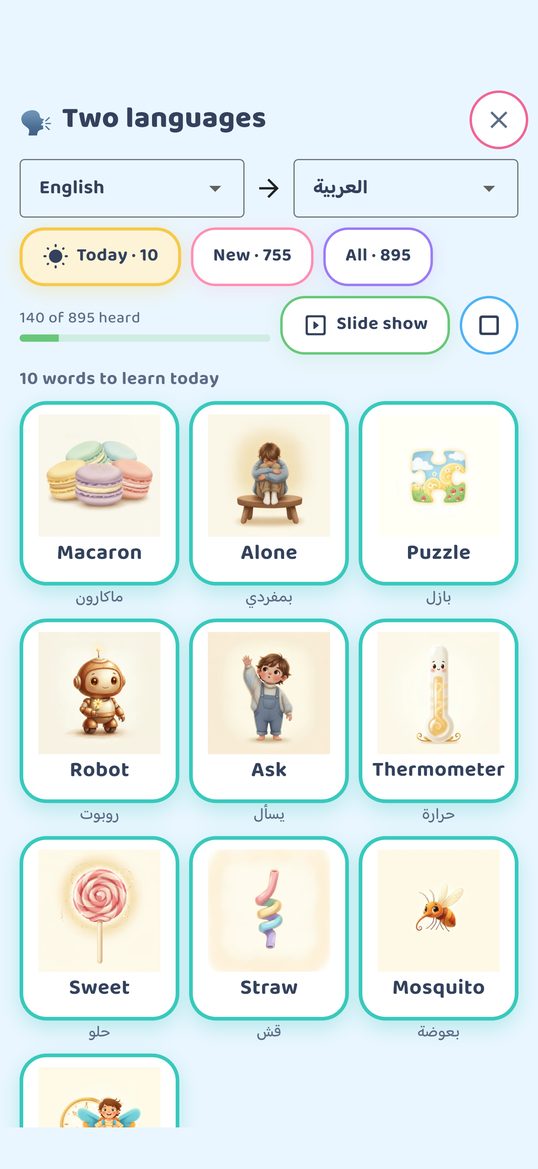
English, Arabic, Spanish, French and Turkish — and now Nepali, the sixth. Each language has its own grammar engine rather than a translated word list, so the sentence a child builds comes out correctly formed in that language. Arabic mirrors the entire interface right-to-left, including the category strip and the sentence bar. The Nepali edition was prepared with native speakers: every card is narrated, and because iPhones and iPads have no Nepali system voice, the app carries its own recordings of the fixed lines so they still speak there. Let’s Talk is written in each language rather than translated.
There is no subscription. The app is free to download and useful without paying; one optional one-time purchase opens the rest of it permanently.
| Free | Full unlock (one-time) |
|---|---|
|
194 core picture words The emergency board Family Voices Let’s Talk Type to Talk The gallery, favorites and history Stickers |
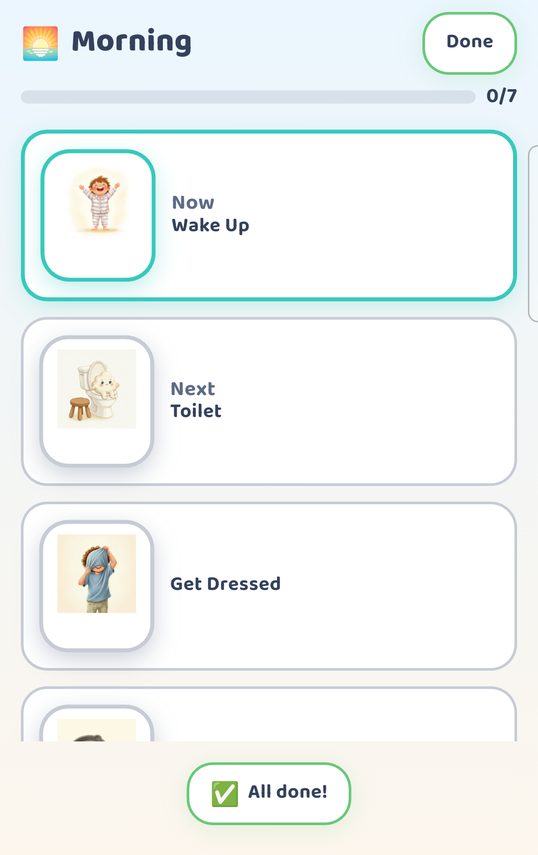
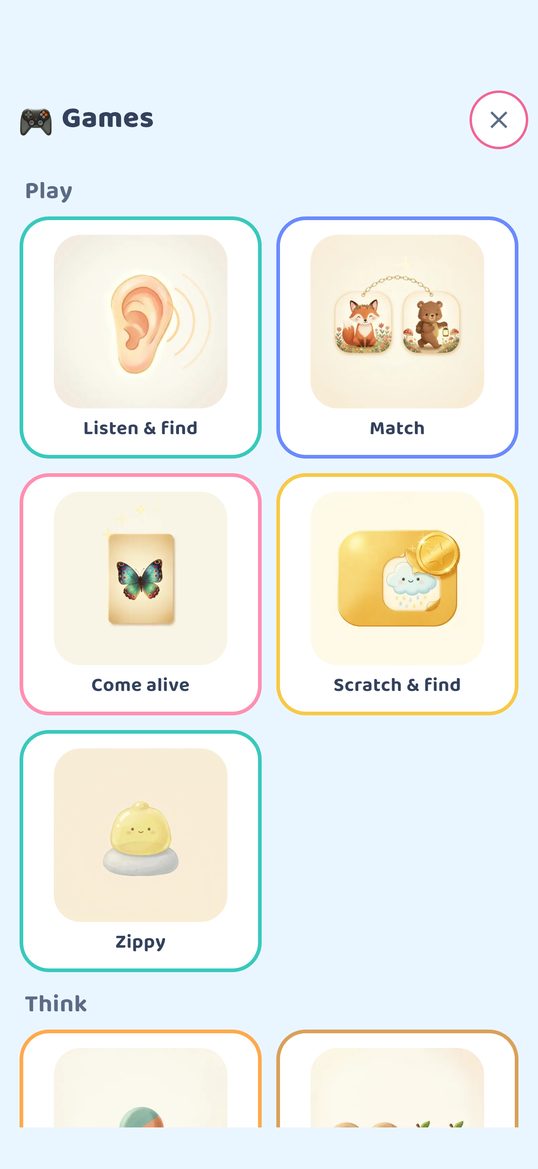
All 1,700+ picture words across 69 categories 73 illustrated storybooks 15 games Custom photo cards Routines 45 My World scenes Say It (English) |
The full unlock is a one-time purchase on the App Store, Google Play or the Amazon Appstore. There are no other purchases, no advertising and no subscription. Your store shows the price for your country.
Download on the App Store Get it on Google Play Amazon Appstore
Try everything first. The first launch opens the whole app for 30 minutes. After that a grown-up can open it again — for 15 free minutes every day, for good, and for a free week, three times over — from behind the parent gate. A child opening the app alone stays on the starter cards.
Talking Cards makes no clinical claim. It does not treat, cure or diagnose anything, and it is not therapy — it is a picture board that speaks, intended for use alongside a child’s own speech.
| Data collection | None. See the Privacy Policy. |
|---|---|
| Accounts | Not required. There is no sign-in. |
| Advertising and analytics | None. The only outside code in the app is the app store’s own purchase system. |
| Network use | The board works offline. On iPhone and iPad the app itself makes no network requests — purchases go through the App Store. On Android and Fire tablets the internet is used only to complete a purchase or redeem an unlock code. |
| Data for goal-setting | The Activity screen ranks the words a child actually uses over a chosen period and exports CSV. It stays on the device. |
| Permissions | Microphone and photo library, each only on an explicit action. |
| Bulk or classroom licensing | Email us. For Android and Fire tablets we issue unlock codes to educators and therapists on request. |
Full detail, including how to reach the grown-ups’ area and how to improve the device voice, is on the support page.
Talking Cards collects no data about your child. No accounts, no ads, no analytics, no tracking. Recordings and photos stay in the app’s private storage on the device. The board works offline: on iPhone and iPad the app itself makes no network requests, and on Android and Fire tablets the internet is used only to complete a purchase or to redeem an unlock code.
The full statement is here: Privacy Policy.
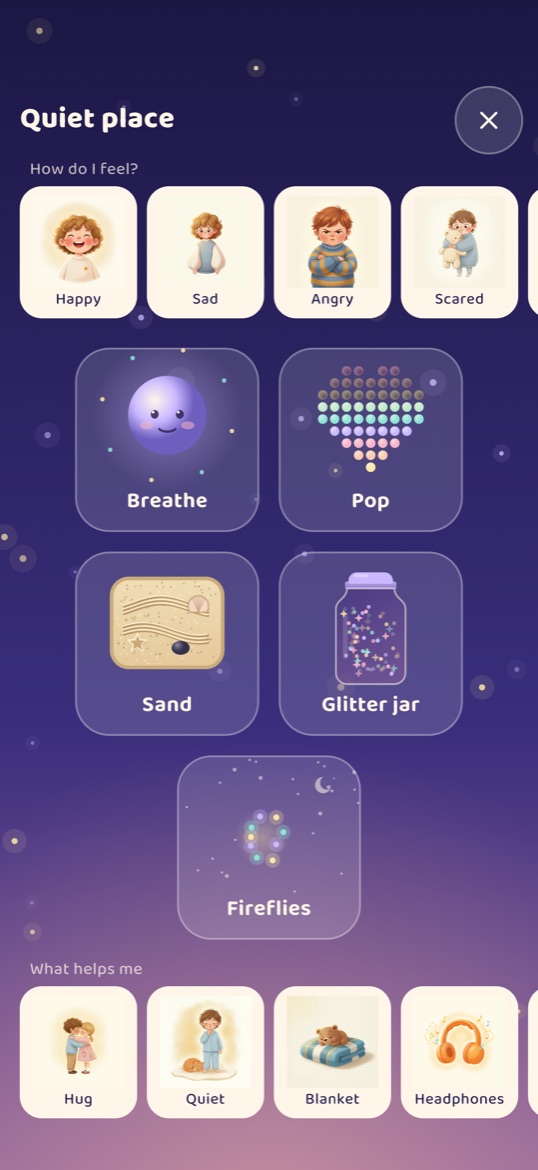
Step-by-step guides with screenshots from the app: setting up, the talking board, Family Voices, the Quiet place and more.
Yes. The app is free to download and includes 194 core picture words, the emergency board, Family Voices, Let’s Talk and Type to Talk. One optional one-time purchase on the App Store, Google Play or the Amazon Appstore opens the full vocabulary, the storybooks, the games, custom photo cards, routines and My World. There is no subscription. Before buying, a grown-up can open everything for a free week — three times over — and for 15 free minutes every day, from the parent gate.
Children who find words hard — including children with speech delays, autistic children, and children who are nonspeaking. It is used alongside a child’s own talking, to support their speech rather than replace it.
Yes, for everyday use. Building and speaking sentences works with no connection. On iPhone and iPad the app itself makes no network requests — purchases go through the App Store. On Android and Fire tablets the internet is used only to complete a purchase or to redeem an unlock code.
English, Arabic, Spanish, French and Turkish, and now Nepali as a sixth. Each has its own grammar engine, and Arabic mirrors the whole interface right-to-left.
No. There are no accounts, no analytics, no advertising, and the only outside code is the app store’s own purchase system. Recordings and photos stay in the app’s private storage on the device.
Yes. In Family Voices a parent records a family member saying a word, and that card then speaks in that voice instead of the built-in one. Those recordings stay on the device.
No. Say It has no microphone and nothing listens: the child’s turn is a tap on a ring, and nothing they say is heard, scored or corrected. It shows how a word is made — the mouth shapes and the sounds — for the child to watch, listen and try. It is in English only.
iPhone and iPad (iOS 15 or later) through the App Store, Android phones and tablets through Google Play, and Amazon Fire tablets through the Amazon Appstore.
Email support@plapl.app. For Android and Fire tablets we issue unlock codes to educators and therapists on request.
Talking Cards: Learn to Talk was called Talking Cards: AAC for Kids until September 2026. Same app, same team, same picture cards — the name changed because the app now opens as a learning board, with the talking board a switch away.