The first two questions
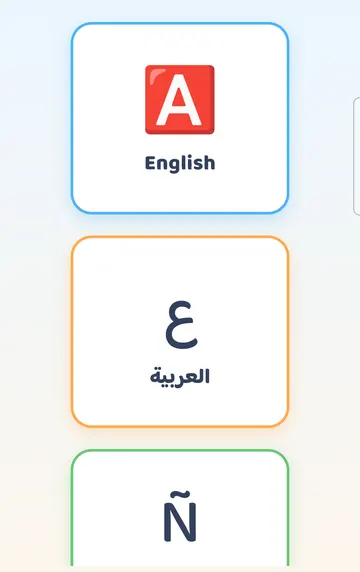
The very first screen asks for a language. There is one big button for each of the six languages: English, Arabic, Spanish, French, Turkish and Nepali. Tap the one your family uses most. You can add a second language later.
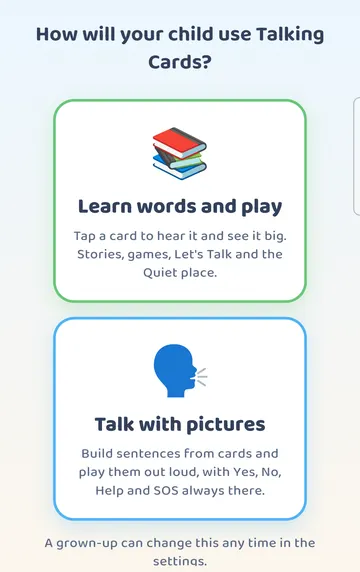
Next the app asks, "How will your child use Talking Cards?". There are two answers.
"Learn words and play" opens a board where your child taps a card to hear the word and see it big. Stories, games, Let's Talk and the Quiet place sit behind it.
"Talk with pictures" opens a talking board. Your child builds sentences from cards and plays them out loud, with Yes, No, Help and SOS on the board.
Don't worry about picking the wrong one. The screen itself says, "A grown-up can change this any time in the settings." In this guide we chose "Learn words and play".
A very short tour
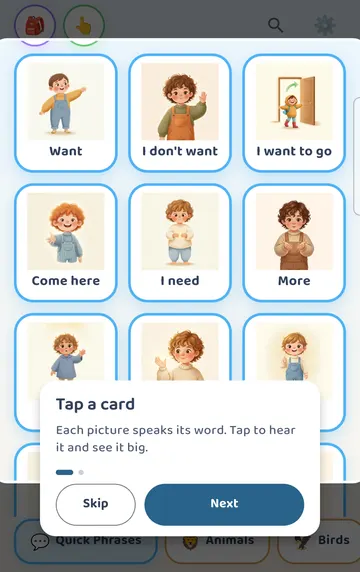
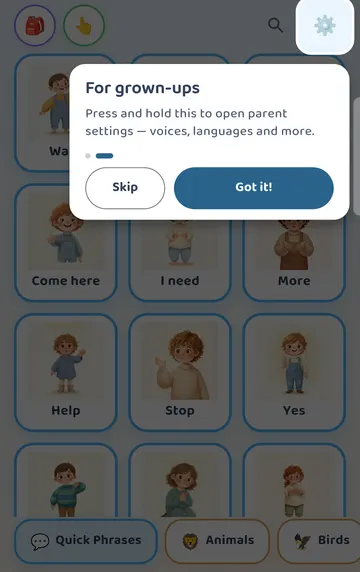
The board opens with a two-step tour. The first step says to tap a card, because each picture speaks its word. The second step points at the gear in the top corner. That gear is for grown-ups: you press and hold it to open the parent settings. Tap "Got it!" to finish.
The learning board
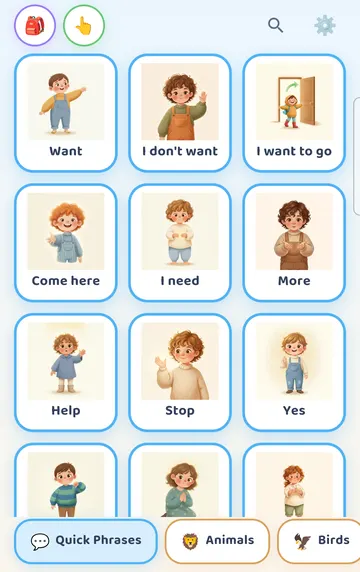
Now you are on the learning board. The top row has four things: a bag for more activities, a switch between "Tap to hear" and "Build a sentence", a search button, and the gear. Category tabs run along the bottom.
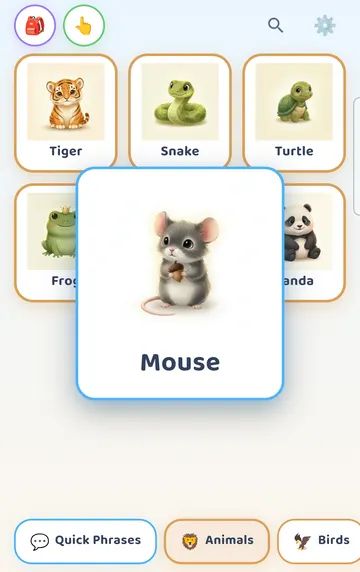
Tap a tab, then tap a card. In our example we opened Animals and tapped Mouse. The card is held up big in the middle of the screen while its word is spoken. Every card word is narrated, so your child hears the same clear word each time.
See it on a larger screen
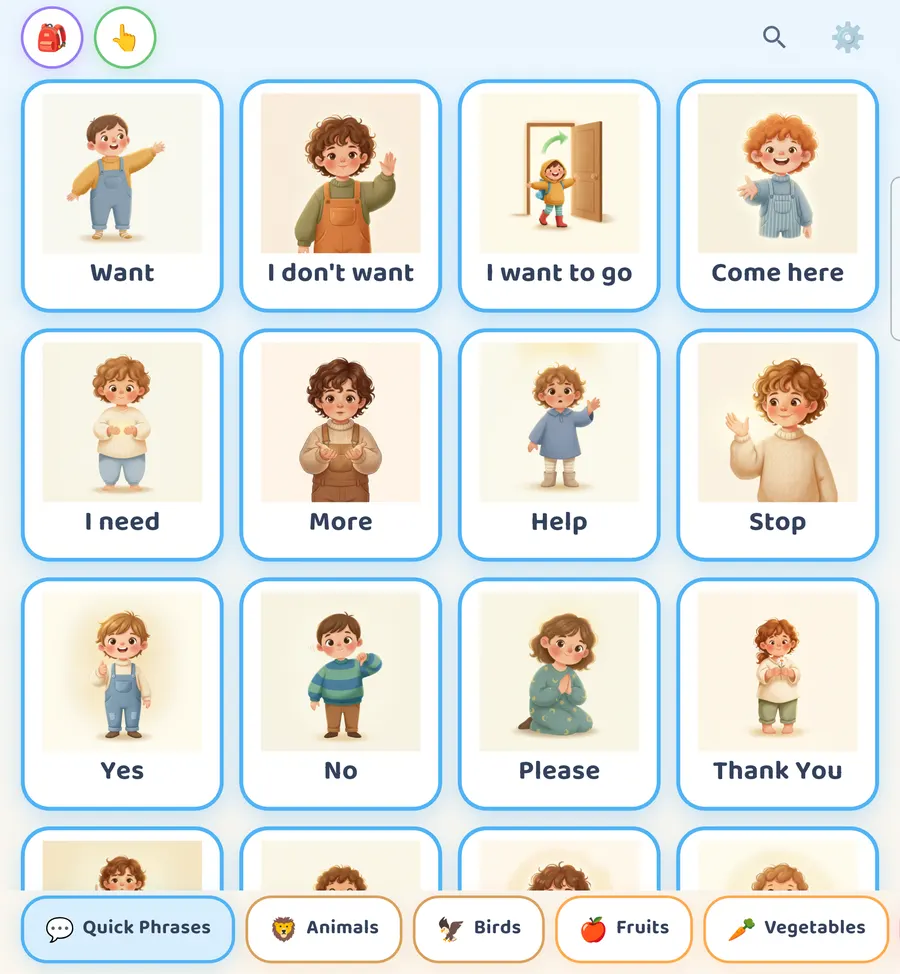
On a bigger screen, such as a tablet or an unfolded phone, you see more cards in each row.
Getting into the grown-up settings
Opening the gear takes two small steps.
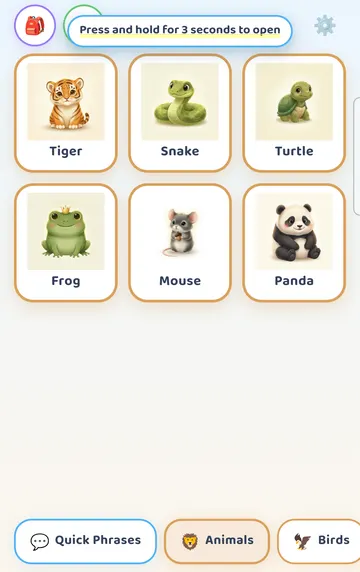
A quick tap on the gear only shows a hint: "Press and hold for 3 seconds to open". So press and hold it for 3 seconds.
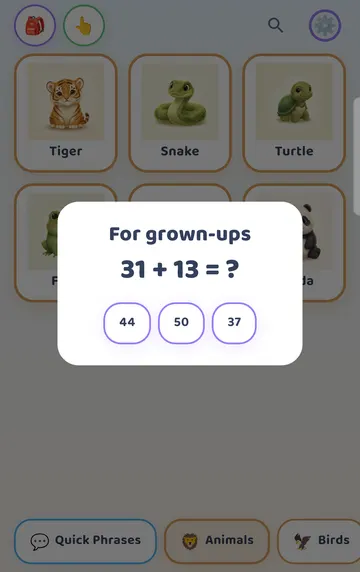
A "For grown-ups" box appears with a sum and three answers. Tap the right one. A wrong answer closes the box, and you can simply try again. If you would prefer a PIN to the sum, the Parent panel has a "Grown-ups PIN" setting.
A walk through the Parent panel
The Parent panel is one long page. You don't need to read all of it today. Here is what matters in the first week.
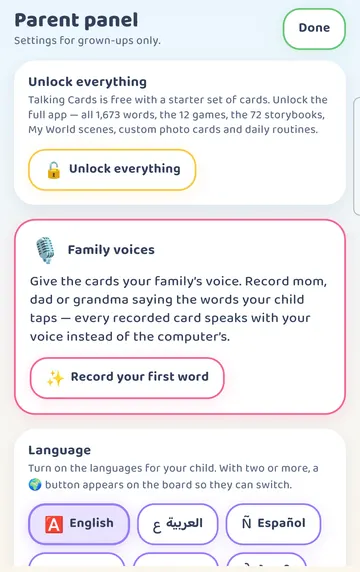
At the top you will find Unlock everything, Family voices and Language. "Done" closes the panel and takes you back to the board.
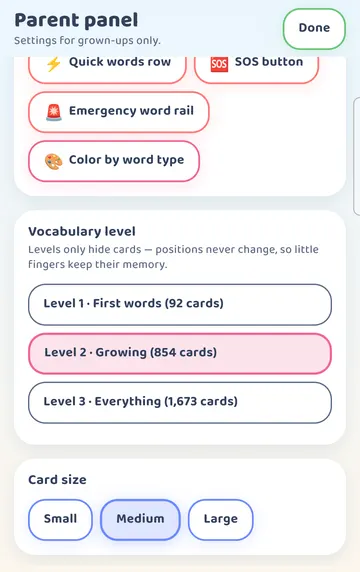
Scroll down and you reach Talking board (AAC) and Vocabulary level. The talking board switches are how you turn on the sentence strip and the Yes / No / Help row. We cover those in their own guide.
Vocabulary level is worth a look now. There are three levels:
- Level 1 · First words, with about 120 cards
- Level 2 · Growing, with about 900 cards (this is where the app starts)
- Level 3 · Everything, with all 1,700+ cards
If the board feels busy for your child, try Level 1. Levels only hide cards. The cards that stay keep their places, so your child can find them again.
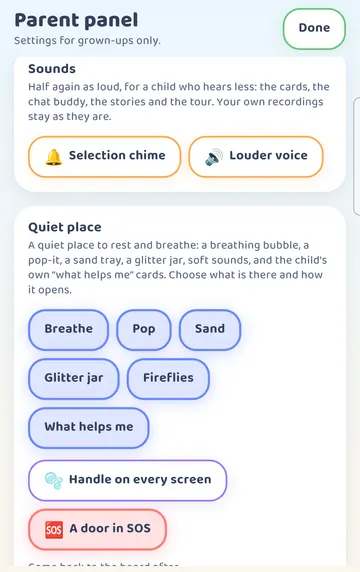
Keep scrolling and you reach Sounds and the Quiet place settings, where you choose which calm activities your child sees.
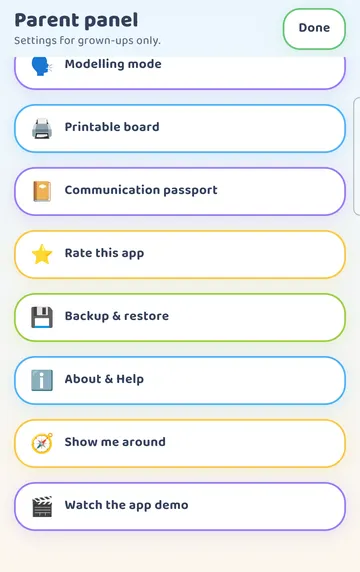
At the very bottom are the tools: "Modelling mode", Printable board, Communication passport, Backup & restore, About & Help, "Show me around" and "Watch the app demo".
What is free, and the free weeks
Talking Cards is free to start with 194 starter cards. The first time you open the app, you get a 30-minute welcome with everything open.
After that welcome ends, a "Free week" card appears at the very top of the Parent panel. You get three free weeks, seven days each, and you start each one whenever the time is right. So there is no rush to use one on a busy day.
There are also 15 minutes a day that a grown-up can start, every day. That is handy for trying the whole app together for a few minutes.
Let's Talk and the Quiet place are free.
Keep the first week small
You don't need to set everything up at once. Pick one small thing a day. Sit with your child, tap a few cards together, and see what catches their eye.
Try it
- Open the app, pick your language, and choose "Learn words and play" or "Talk with pictures".
- Finish the two-step tour.
- Tap a category tab at the bottom and tap a card together. Watch it get held up big and listen to the word.
- Press and hold the gear for 3 seconds, answer the sum, and look around the Parent panel.
- Set the Vocabulary level that suits your child today. Level 1 is a gentle place to begin.
- Tap "Done" and play for a few minutes.
- Later in the week, when you have time, start a free week from the card at the top of the Parent panel.
This is practical guidance from the people who make Talking Cards, not clinical advice. Your child's speech-language pathologist knows your child best.