Before you start
Storybooks and games are part of the full app. You can also open them during a free window. Talking Cards gives a free week, three times over, seven days each. You start each one when the time is right for you. There are also 15 minutes a day that a grown-up can start, always.
To see your free week and the daily minutes, open the grown-up settings. Press and hold the gear at the top right for 3 seconds, answer the sum, then tap Unlock everything. Once the 30-minute welcome on the very first launch is over, a Free week card also shows at the very top of these settings.
Finding the storybooks
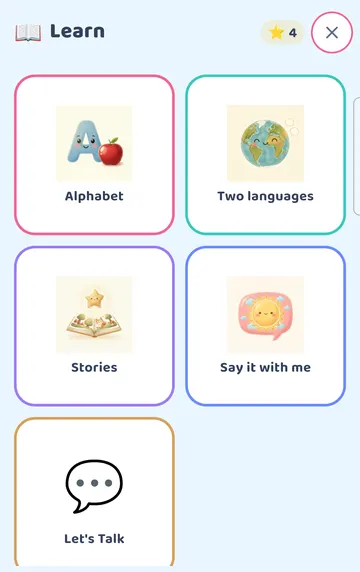
Tap the bag (More) on the board, then tap Learn. You will see Alphabet, Two languages, Stories, Say it with me and Let's Talk.
See it on a larger screen
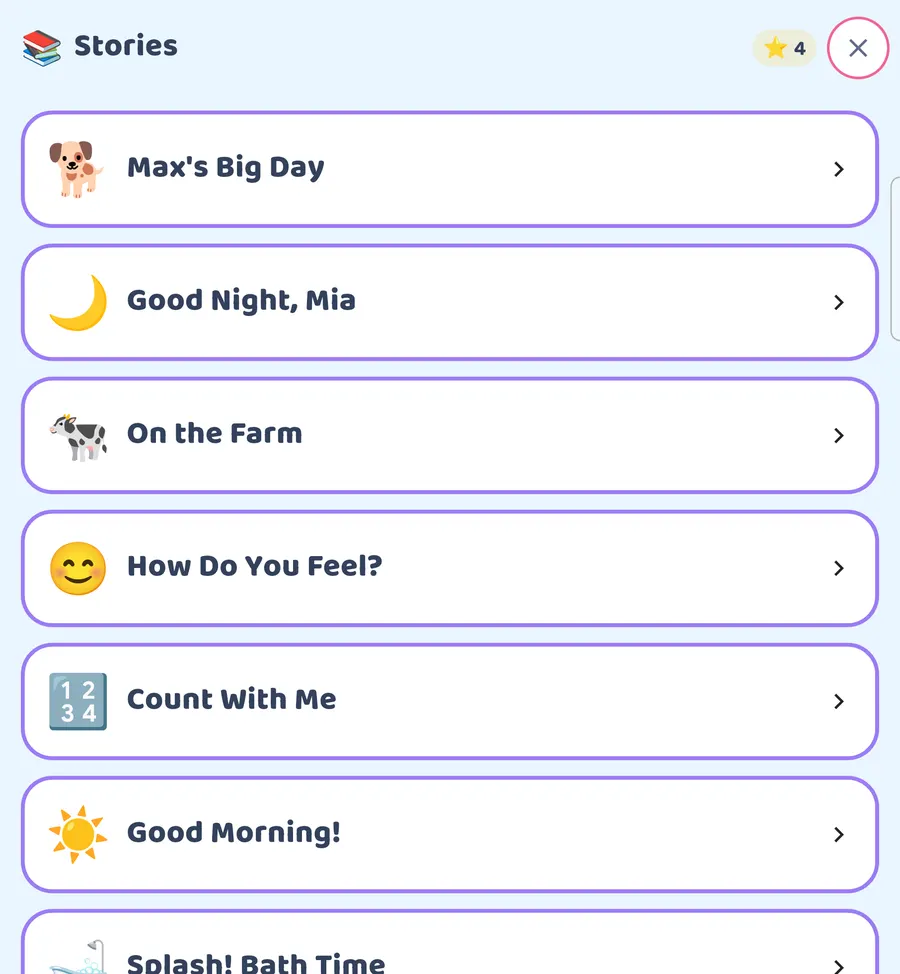
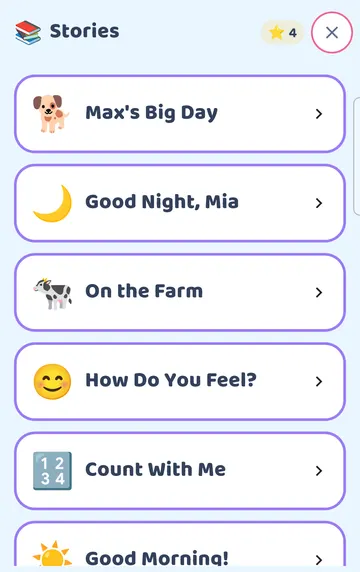
Tap Stories. This opens the storybook shelf. Scroll down for more. You will find books like Max's Big Day, Good Night, Mia, On the Farm, How Do You Feel?, Count With Me and Good Morning!. On a tablet or an unfolded phone, the shelf spreads out wider.
Reading a story together
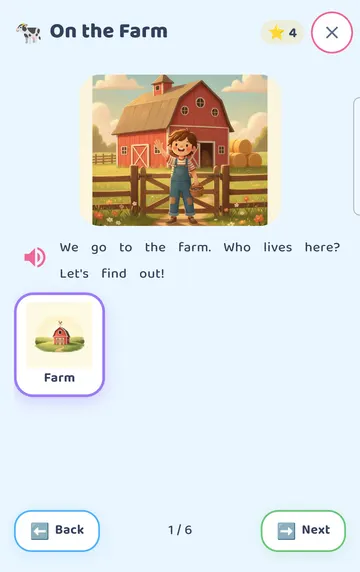
Tap a book to open it. Here we opened On the Farm, which has 6 pages.
The page is read aloud as it opens. The page count sits at the bottom, between Back and Next. Your child can turn the pages, or you can.
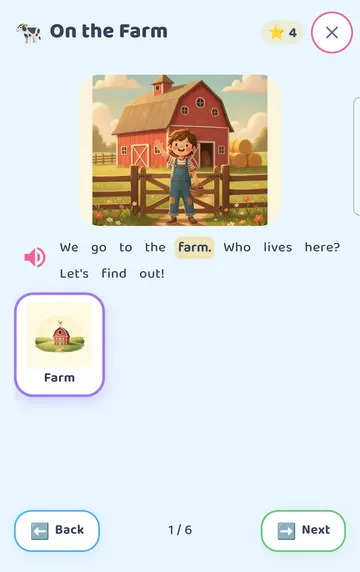
Every word on the page is a button. When your child taps one word, it lights up and the app says just that word. In the picture, we tapped "farm".
This is a nice one to share. You can point to a word, say it together, and let your child tap it to hear it again. There is no rush to finish the page.
To hear the whole page again, tap Read this page aloud. It is the speaker button next to the text.
To leave the story, tap the X at the top right.
Finding the games
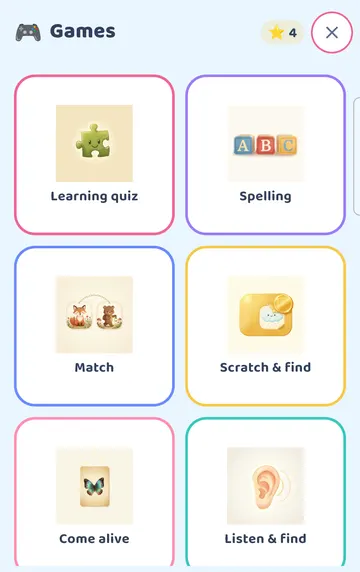
Close the story and the Learn page. Tap the bag (More), then tap Games.
See it on a larger screen
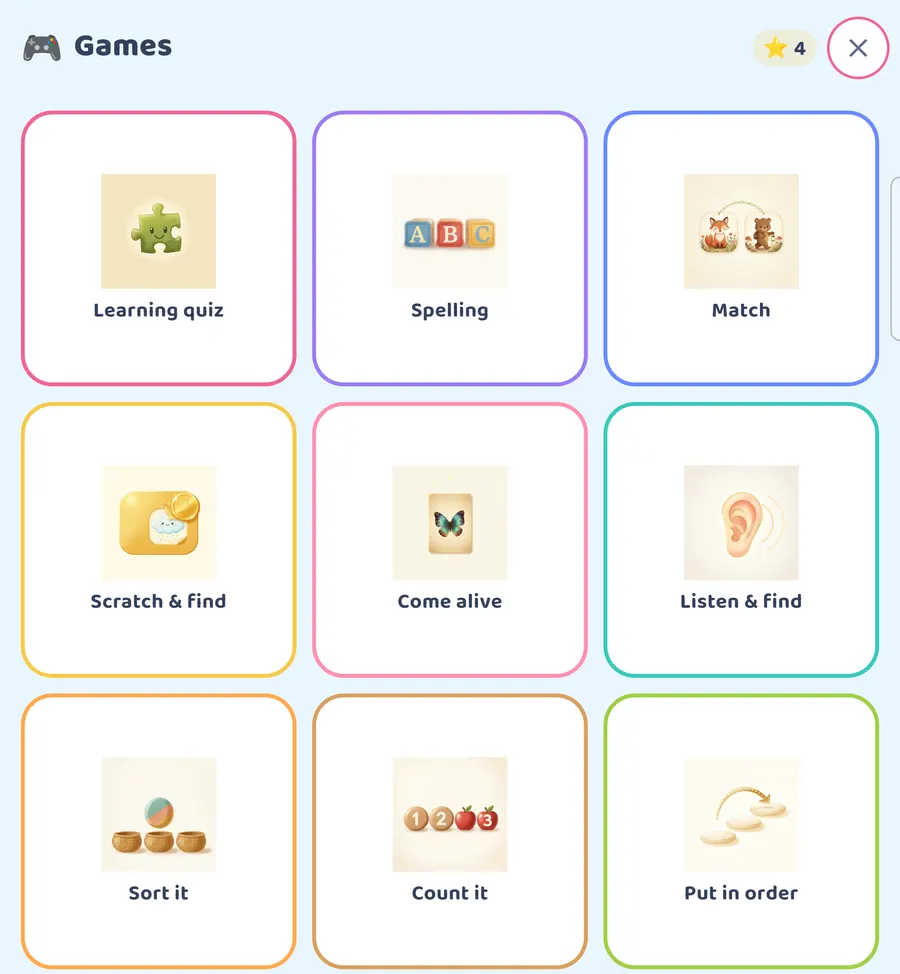
There are 15 games: Learning quiz, Spelling, Match, Scratch & find, Come alive, Listen & find, Sort it, Count it, Put in order, Opposites, Say it back, Sing & Play, Zippy, Beat Maker and Bottle Worlds. Scroll down to see them all. On a larger screen, more of them fit at once.
How a game round works
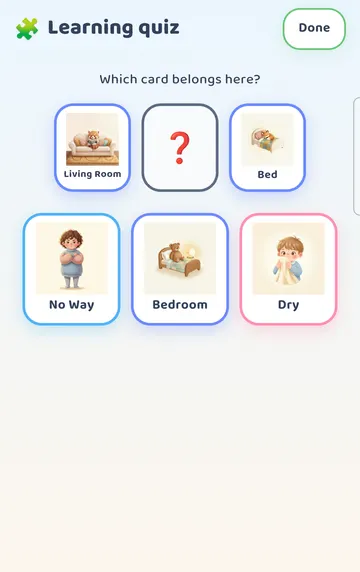
Let's look at Learning quiz. It asks "Which card belongs here?" and shows three cards to choose from.
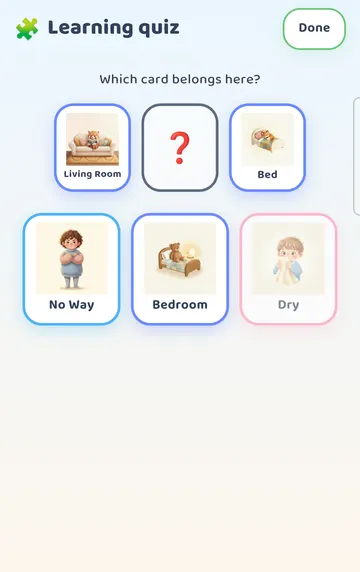
When your child taps a card that doesn't fit, the card says its own word and softly dims. In our example, we tapped Dry. There is no buzz, no red and no cross. The round keeps going. A miss never ends it.
This matters for a lot of children. A tap that doesn't fit still plays a word, and the child can simply try another card.
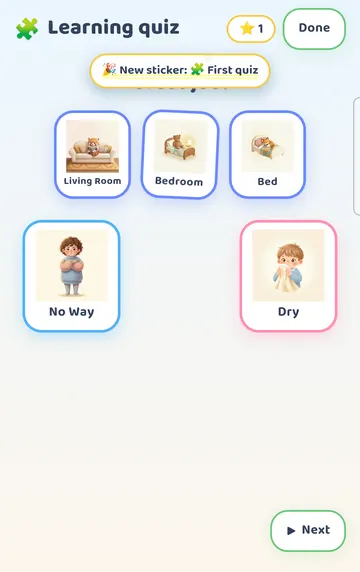
When your child taps the card that fits, it fills the gap and gets a small celebration. Here that was Bedroom. The first time, a "New sticker: First quiz" badge appears. Then a Next button brings the next round.
Two games use the microphone
Say it back and Sing & Play use the microphone.
The first time, your phone or tablet may also ask for permission to use the microphone. Android and iPhone each show their own prompt for this.
Try it
- Press and hold the gear for 3 seconds and answer the sum. Check that you have the full app or a free window running.
- Tap the bag (More), then Learn, then Stories.
- Pick a short book. On the Farm has 6 pages.
- Let the first page play. Then point to one word and let your child tap it to hear it.
- Turn the pages together with Next. Tap Read this page aloud if you want to hear a page again.
- Close the story. Tap the bag (More), then Games, then Learning quiz.
- Sit beside your child for a few rounds. If a tap doesn't fit, wait and let them try another card.
- Stop while it still feels good. You can come back to the same book tomorrow.
This is practical guidance from the people who make Talking Cards, not clinical advice. Your child's speech-language pathologist knows your child best.