How the buddy works
The buddy in Let's Talk is a bear who asks questions and replies to your child's answers.
Everything the buddy says is written ahead of time by the people who make the app. It is scripted. There is no AI, and your child never needs to type.
The buddy's lines, and the sentence your child makes, are spoken with your device's text-to-speech voice. When your child taps a single card, they hear that card's narrated word.
Voices on Android and iPhone
Because the buddy uses the device's voice, what you hear depends on your phone or tablet.
On Android, the voice comes from your phone's text-to-speech settings. In Talking Cards, the Parent panel has a Sentence voice section. You can tap a voice to hear it and pick one by ear, and there is a Get more voices on this device option.
On iPhone and iPad, your device uses its own voice settings.
Step 1: Open Let's Talk
On the board, tap the bag (More) at the top left, then tap Let's Talk.
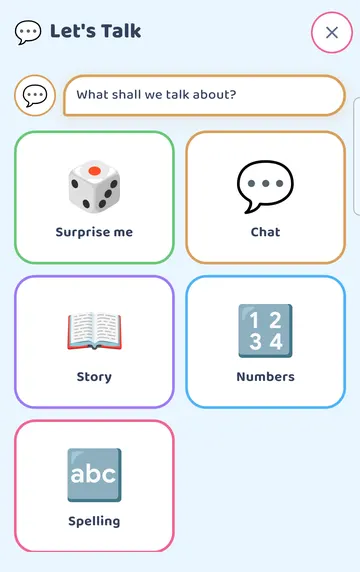
The screen asks "What shall we talk about?" and offers these choices: Surprise me, Chat, Story, Numbers and Spelling.
See it on a larger screen
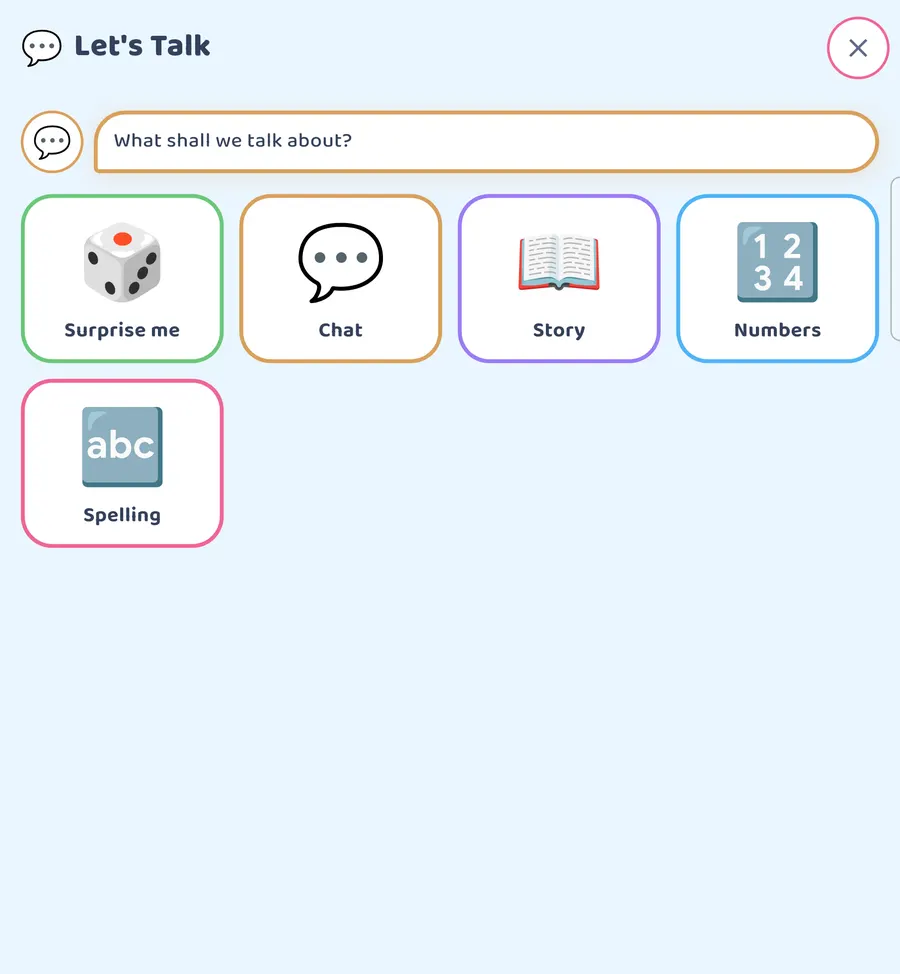
On a tablet or an unfolded phone there is more room around the choices.
Step 2: Start a chat
Tap Chat. The buddy asks a question and the answer cards appear below it.
Subjects come in a different order each visit. If you'd like a different subject, tap Next question (the arrow) to move on.
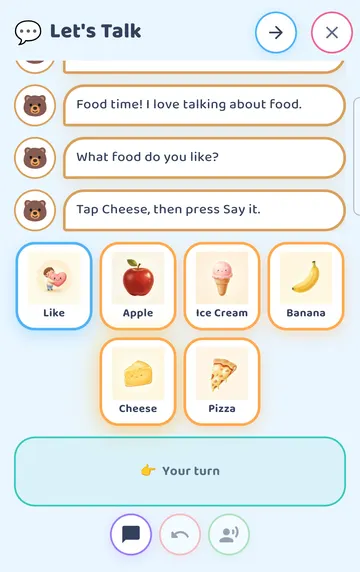
In our example the buddy asked "What food do you like?" The answer cards were Like, Apple, Ice Cream, Banana, Cheese and Pizza. The words Your turn show that it's your child's turn.
Step 3: Your child answers
Your child taps the cards they want. Here, Like and then Apple.
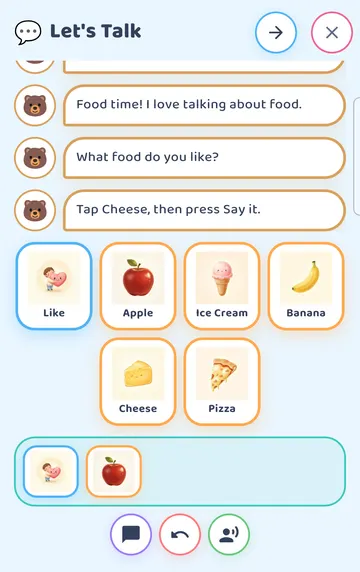
The cards join together in a tray at the bottom of the screen.
If your child taps the wrong card, Undo takes the last one back. There is no penalty for changing their mind.
When they are ready, they tap Say it.
Step 4: The buddy replies
After Say it, the app speaks your child's sentence: "I like apples."
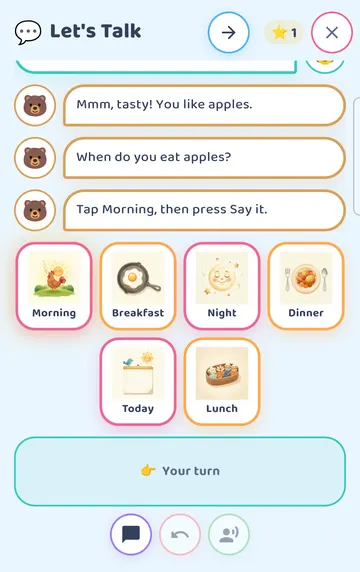
The buddy answers, "Mmm, tasty! You like apples." Then it asks a new question that follows on from the answer: "When do you eat apples?" New answer cards appear for the new question.
A star counter counts each turn your child takes.
See it on a larger screen
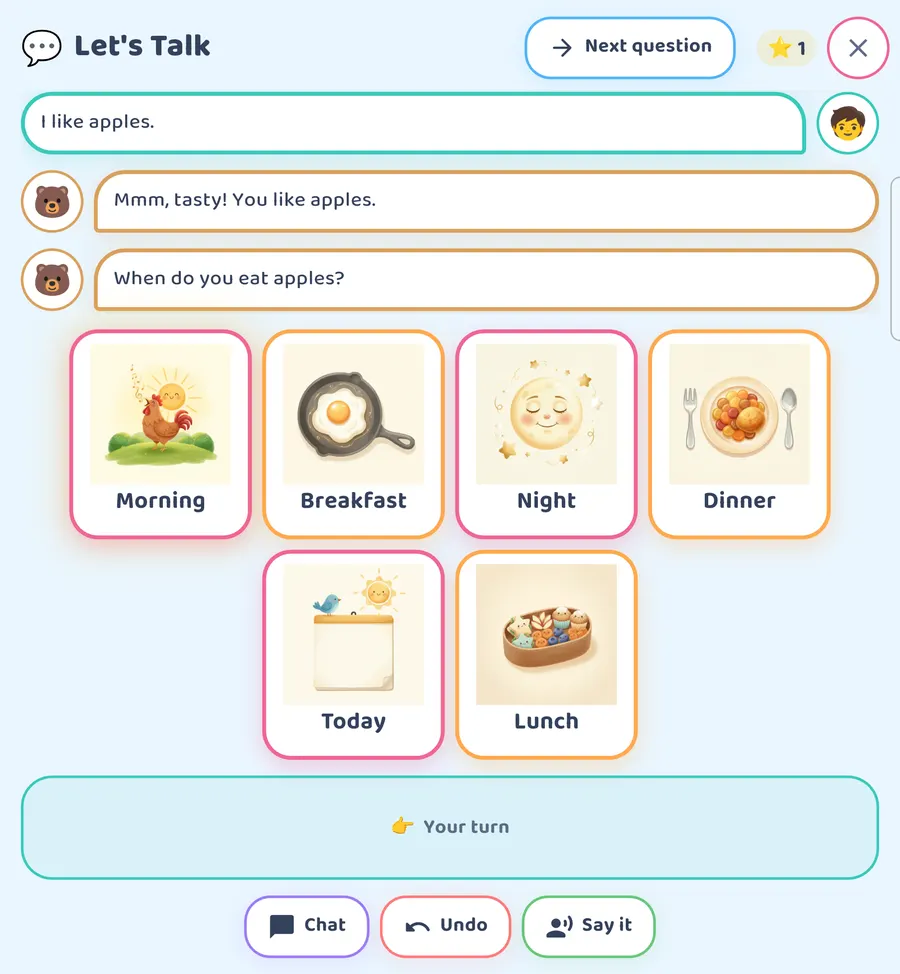
Here is the same moment on a bigger screen.
Step 5: Finishing a subject
Your child keeps answering the same way, tapping cards and then Say it.
In our chat, the next answer was Breakfast. The buddy said, "Nice! You eat an apple for breakfast." and asked "Who eats apples with you?"
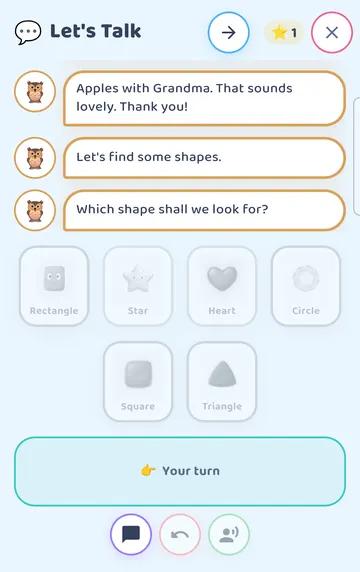
The answer after that was Grandma. The buddy said, "How nice! You eat an apple for breakfast with Grandma." Then it closed the subject: "Apples with Grandma. That sounds lovely. Thank you!"
The buddy then moves straight on to a new subject. You can also tap Next question at any time to skip ahead.
Step 6: Little Bear's Big Week
Close the chat and open Let's Talk again. This time tap Story.
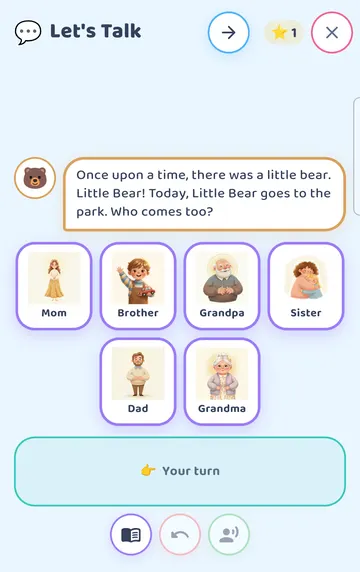
Little Bear's Big Week is one story in 3 chapters. Chapter 1 is a day at the park.
It begins: "Once upon a time, there was a little bear. Little Bear! Today, Little Bear goes to the park. Who comes too?"
Your child picks who comes along, just like answering in a chat. In our example they picked Mom and tapped Say it.
See it on a larger screen
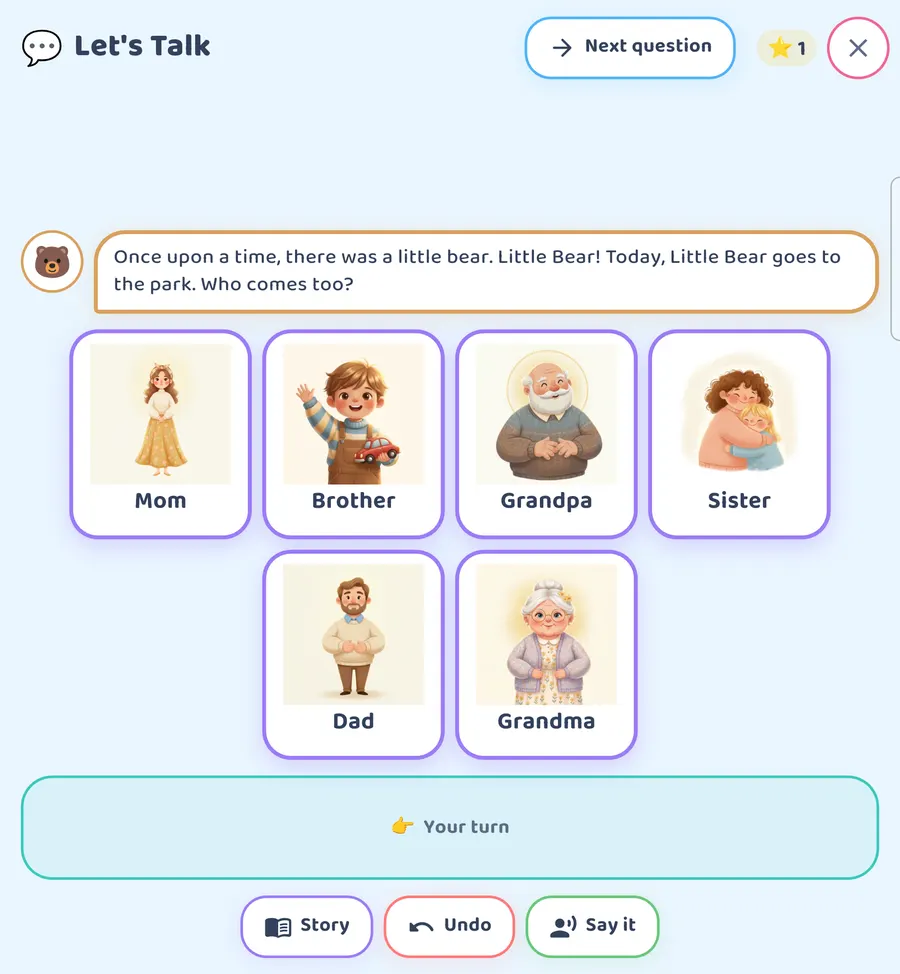
On a bigger screen the opening looks like this.
Step 7: The join-in line
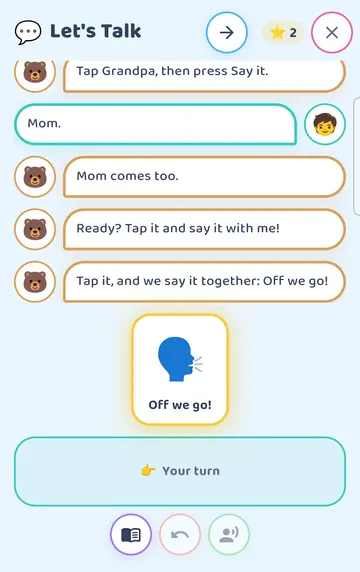
Each chapter has a moment where the child joins in. The buddy says, "Ready? Tap it and say it with me!" and one big card appears, Off we go!
Your child taps the card to say the line together with the buddy. You can say it along with them too.
The story carries on through the park. It rains, and the buddy asks "How does Little Bear feel?" There is a snack. The chapter ends at bedtime: "Good night, Little Bear. Tomorrow, somebody special is coming to play."
One chapter a day
The chapters open one a day. The next chapter becomes available on a later day, so there is something to look forward to.
A finished chapter can be played again any time. The story also remembers your child's picks, such as who came to the park, and brings them back in later chapters.
Chapter 1 is free. Chapters 2 and 3 need the full app or a free window. The free windows are a free week (you can start one three times, seven days each) and 15 minutes a day that a grown-up starts.
A few gentle notes
Sit together for the first few chats. Read the question aloud, point to the cards, and let your child choose.
It's fine to answer with one card. Tap it, then tap Say it.
If a subject doesn't interest your child, skip it with Next question. There will be another.
Say the buddy's replies along with the app, or add your own. The chat on screen can spill into a real chat at the table.
Try it
- Tap the bag (More), then Let's Talk.
- Tap Chat and listen to the buddy's question.
- Help your child tap one or two answer cards.
- Tap Say it and listen to the buddy's reply together.
- Try Undo and Next question so you both know what they do.
- Another time, tap Story to start Little Bear's Big Week.
- When the Off we go! card appears, tap it and say it together.
This is practical guidance from the people who make Talking Cards, not clinical advice. Your child's speech-language pathologist knows your child best.