
Lean Day Toolkit
Audits, waste and takt for the person who walks the floor. Offline, no account.
On the App Store and Google Play.
Download on the App Store Get it on Google Play Amazon Appstore for Fire tablets
- Works offline
- 8 languages
- No accounts
- No ads
- No tracking
What it is
Lean Day Toolkit is an offline tool for warehouse and factory supervisors. Open it on the floor, capture what you find in under a minute, and leave with a record and a list of actions that each have an owner and a date. There is no server and nothing to sync — every audit, photograph and report stays on the device until you choose to share a file yourself.
First time in? One tap loads six weeks of realistic sample data — 27 audits across five areas, 40 waste logs, a full month of the SPQDC board, boards, studies and a line map — so you see a working system, not an empty app. Wipe it when you are ready for your own.
The tools
New in this version
- Floor notes Free — a notepad one tap away in the top bar, on every screen.
- Floor timers — in the top bar, with a countdown visible wherever you are.
- More of it in your language — the default 5S checklist, the 5 checklist template packs and the posters the app prints now follow the app language.
Tools marked Free stay free for good. Everything else is open during the free trial and in the full version — see what it costs.
See the floor
- 5S audits with photo evidence, per-area trend and the audit PDF Free
- Near-miss reporting Free
- Custom checklists on daily, weekly or monthly schedules
- Five ready-made checklist template packs
- Gemba walks
- The eight wastes, with a weighted Pareto
Measure the work
- Stopwatch time study Free
- Takt and OEE calculators Free
- Full element time studies
- Time study and observation counting from recorded video
- SMED changeover analysis
- VA/PCE calculator
- Line map with Yamazumi balancing
Run the day
- Action list with owners, due dates and reminders Free
- Floor notes Free — a notepad one tap away in the top bar on every screen: it remembers which screen and area it was written on, saves as you type, and can turn a note into a tracked action.
- Floor timers — timers in the top bar that ring once when time is up, or every few minutes until stopped, with a countdown visible on every screen.
- SPQDC day board — Safety, People, Quality, Delivery, Cost
- Hour-by-hour board with reasons
- End-of-shift report
- Equipment register and visual standard cards
Improve and keep it
- 5 Whys Free
- Full backup and restore Free
- Kaizen ideas with PICK scoring and measured before/after
- A3
- Before/after improvement sheets
- Diagram editor (in English)
- Report PDFs and spreadsheet exports — with a preview before anything leaves the device
Every destructive action confirms first or can be undone.
On the phone
Captured on an iPhone; the app looks the same on Android and on tablets, where the main screens open two panes side by side.
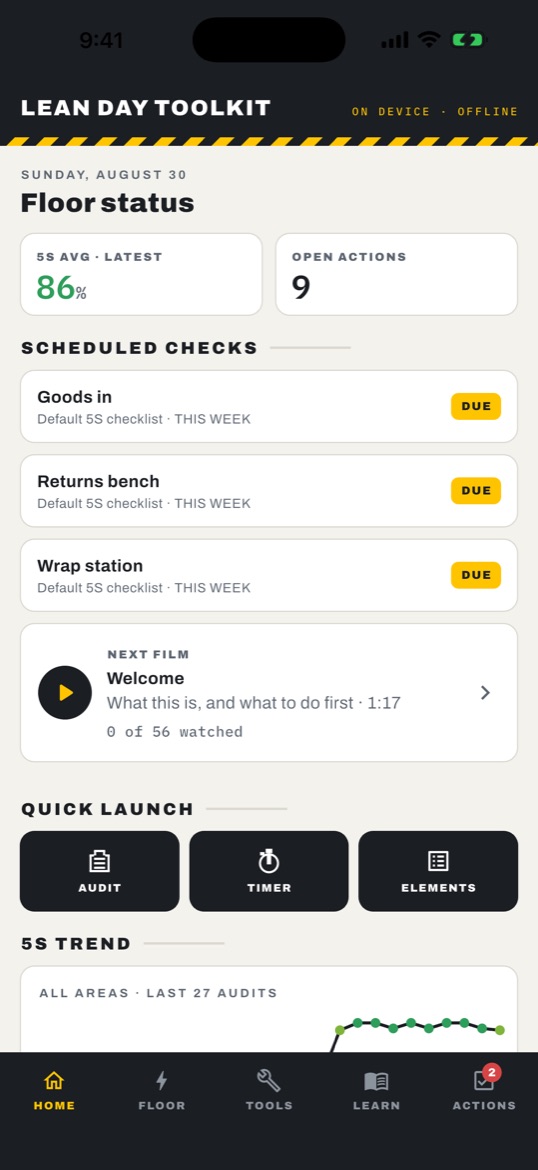
Home. Today's 5S average, open actions, what is due, and the next film. 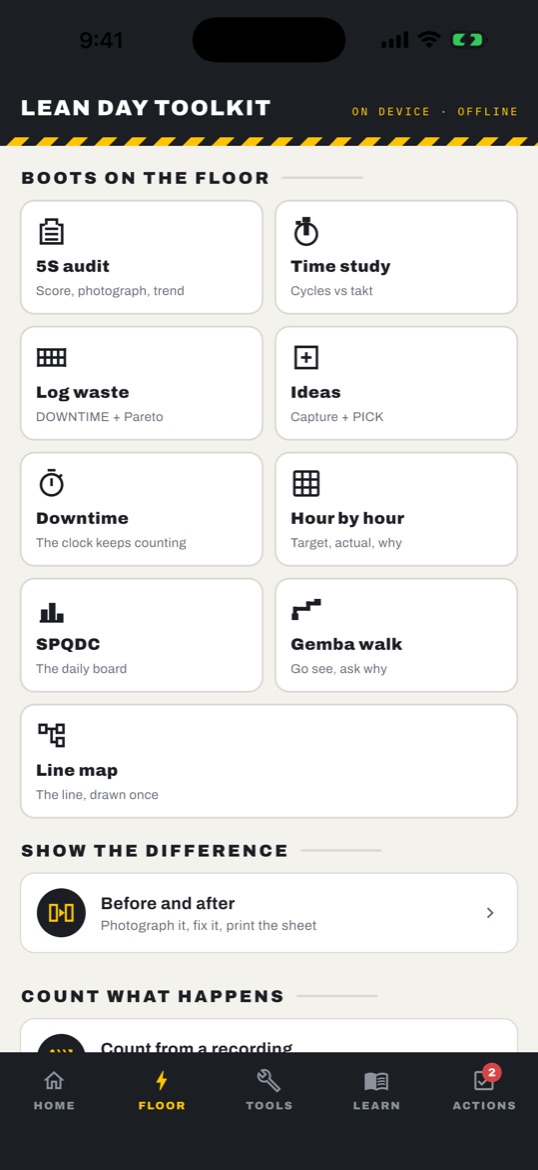
The Floor tab. Every capture tool one tap from the door. 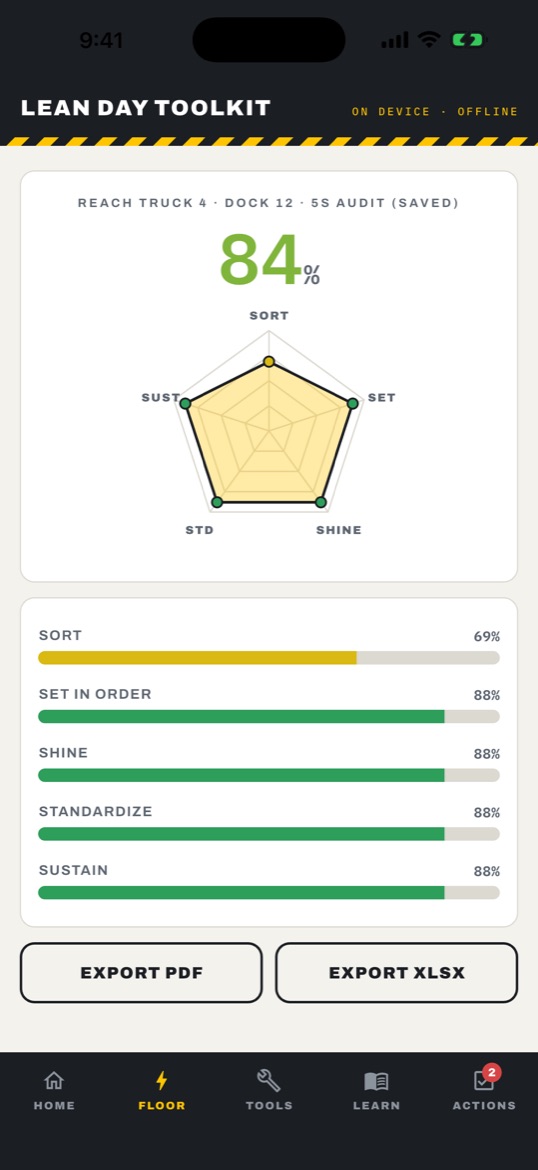
An audit result. Radar, per-pillar bars, export to PDF or spreadsheet. 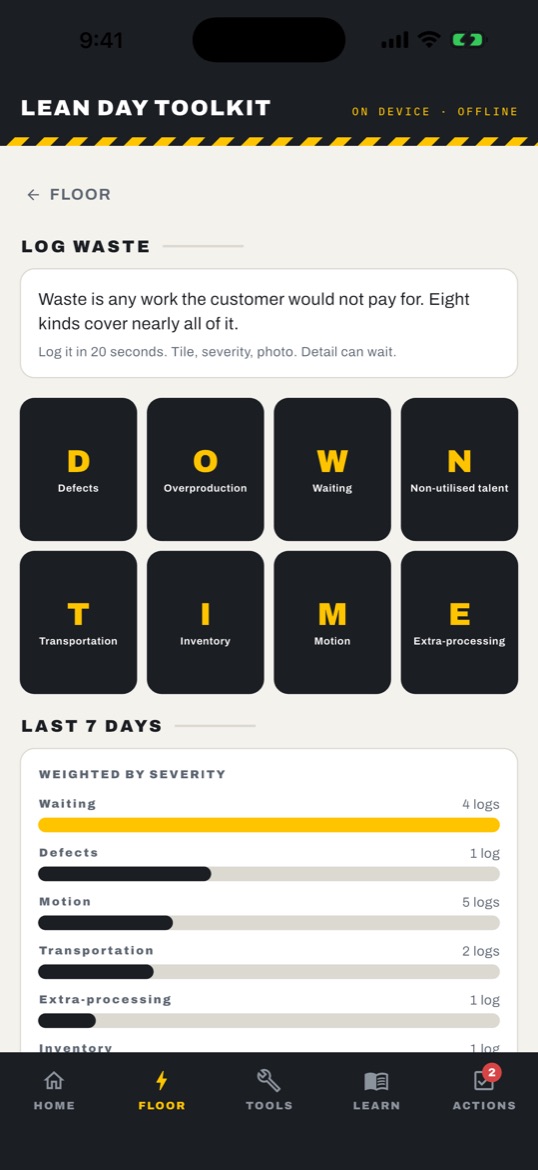
The eight wastes. Tap a tile, then a severity; the Pareto builds itself. 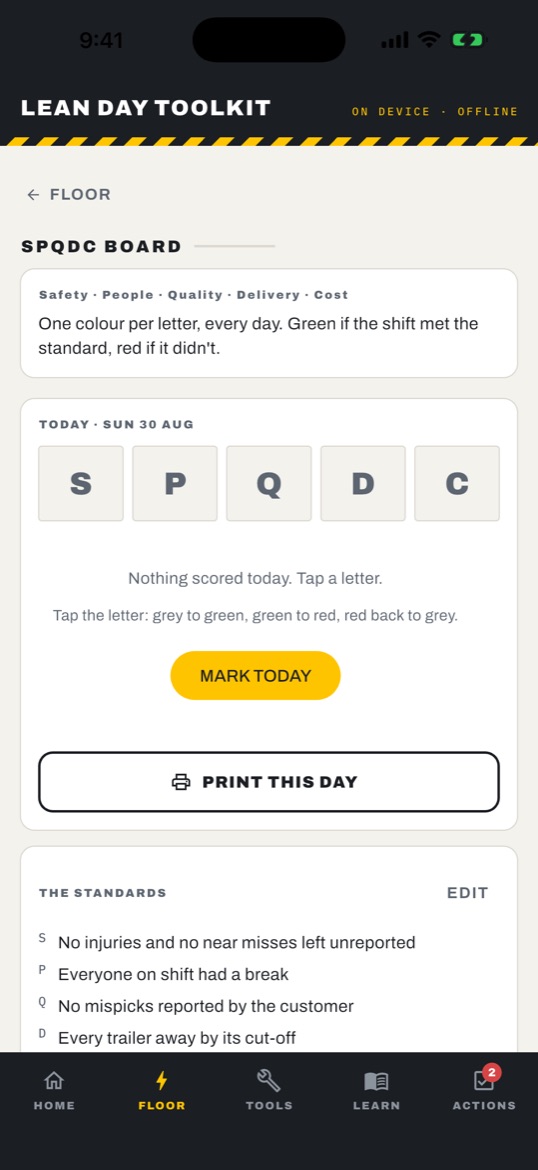
The SPQDC board. One colour per letter, every day, against written standards. 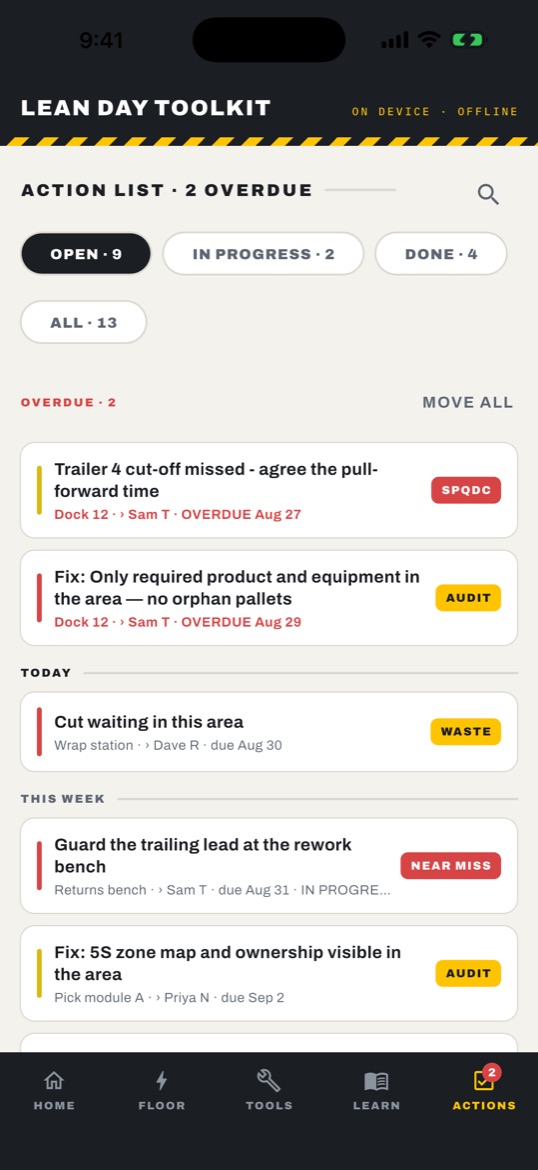
Actions. Every finding becomes an action with an owner and a date. 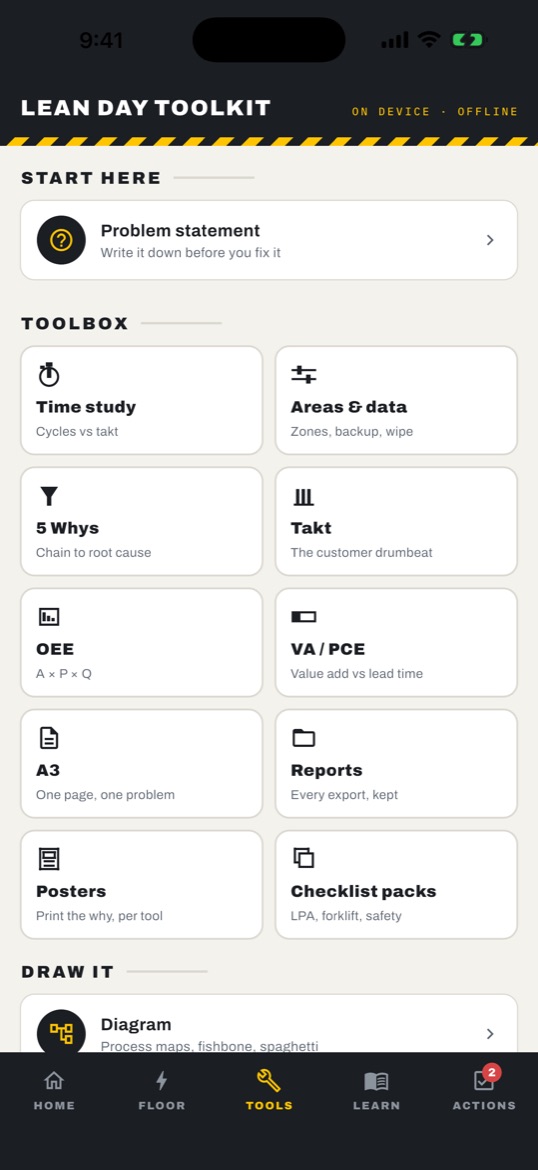
The toolbox. Analysis, calculators, posters, checklist packs, diagrams. 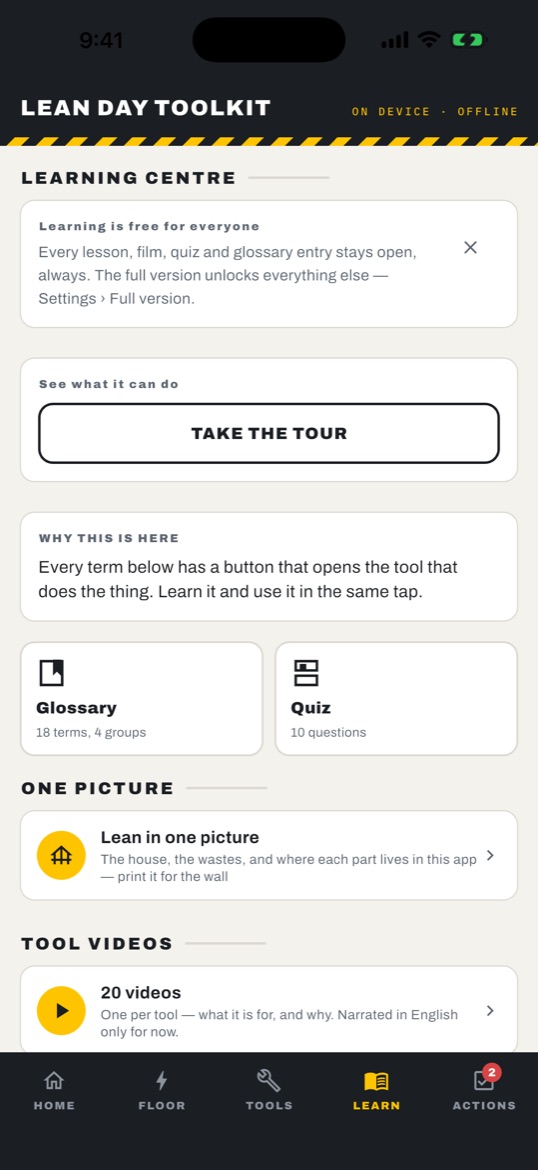
Learning centre. Free for everyone, with a button from every term into the tool that does the thing. 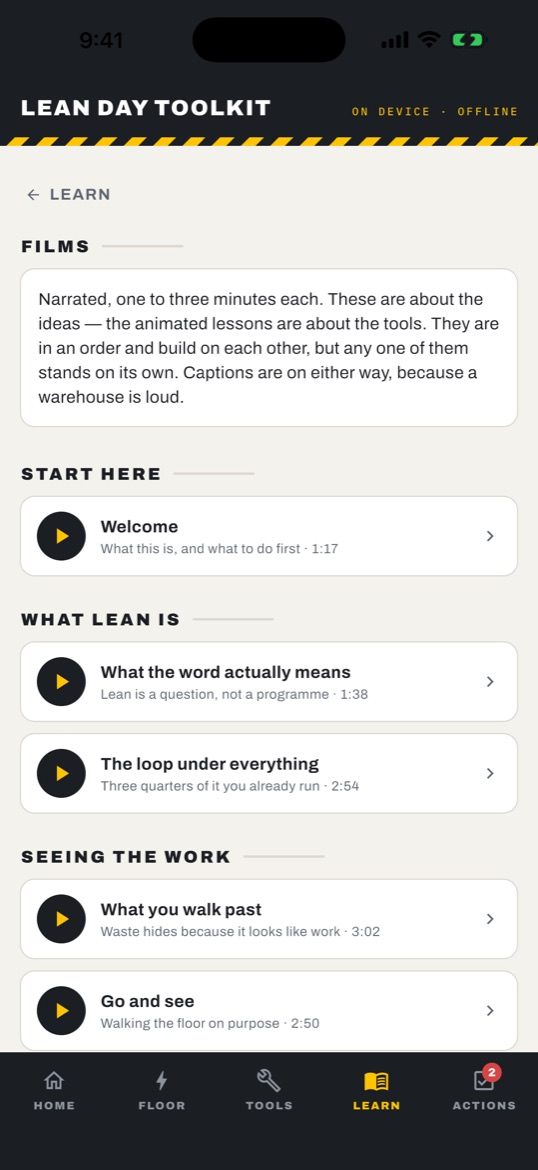
Films. 31 narrated pieces on the ideas, one to three minutes each. 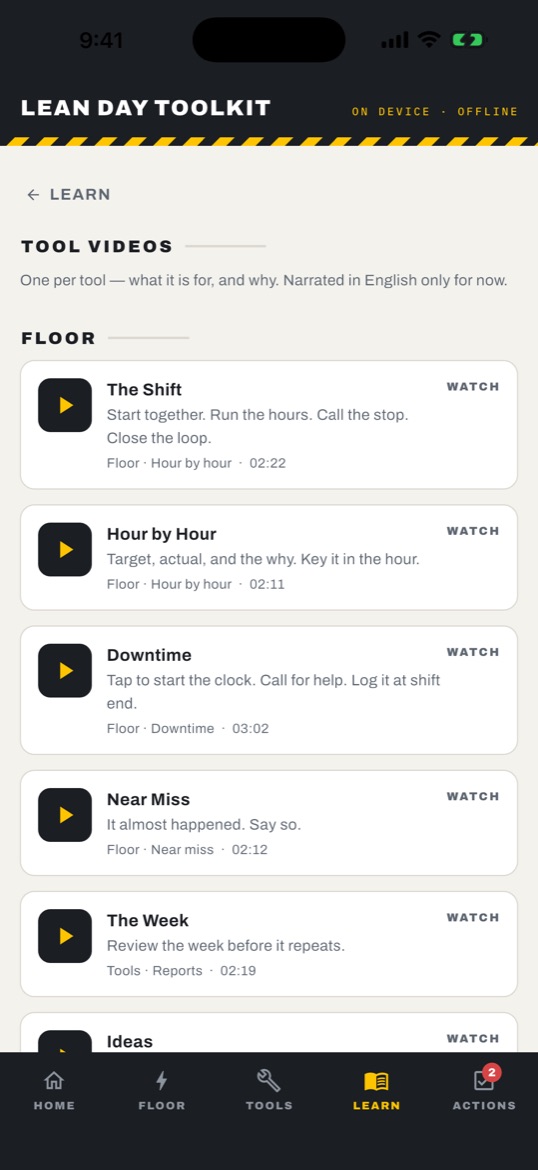
Tool videos. One per tool — what it is for and why.
The learning section — free forever
A built-in lean library that never locks, whether or not you ever buy anything:
- 31narrated films
- 26animated lessons
- 20tool videos
- 18glossary terms
- 10quiz questions
Seventy-seven pieces in all — 31 films, 26 lessons and 20 tool videos — plus the glossary and quiz. The films and lessons are in all eight languages. Four are narrated in your own language; German, Polish, Romanian and Turkish are subtitled. The tool videos are narrated in English.
The app is in English, Spanish, Portuguese, German, Italian, Polish, Romanian and Turkish. The default 5S checklist follows the app language until you edit its questions, the 5 checklist template packs come in every one of the eight, and the 19 posters print in the language the app is set to. The diagram editor is in English.
Printing posters and the checklist template packs are part of the full version. The English posters are also free to download from this site — see below.
Free posters — the same 19 the app prints
One A4 teaching poster per tool, drawn in the app's own design system: what it is for, the four moves, and the one line to remember. Free to download, print and pin up in your own workplace — all 19 as PDF.
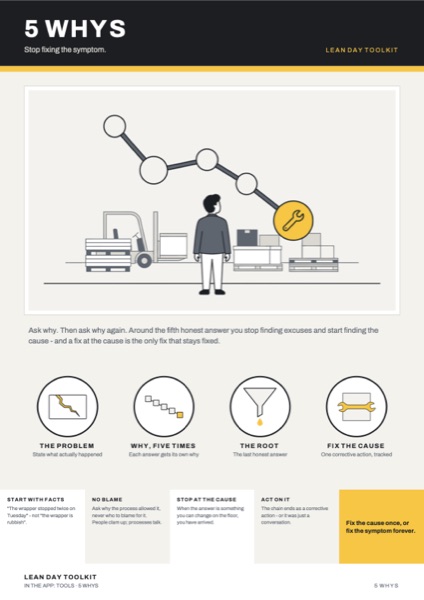 5 Whys
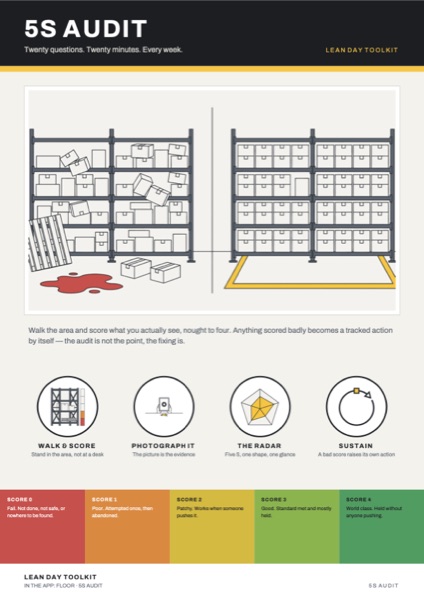 5S Audit
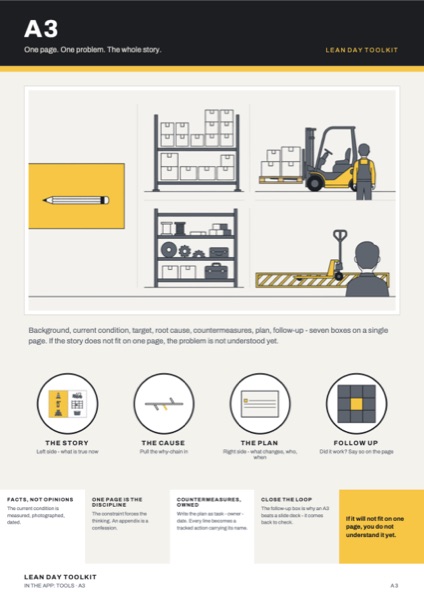 A3
A3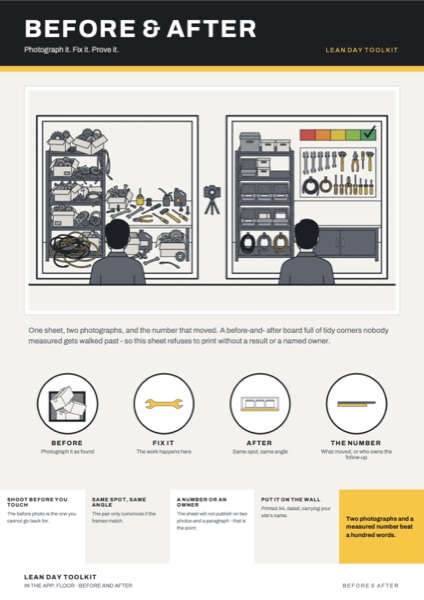 Before & After
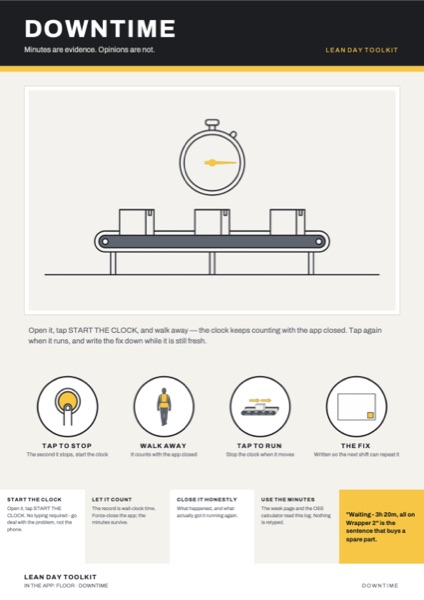 Downtime
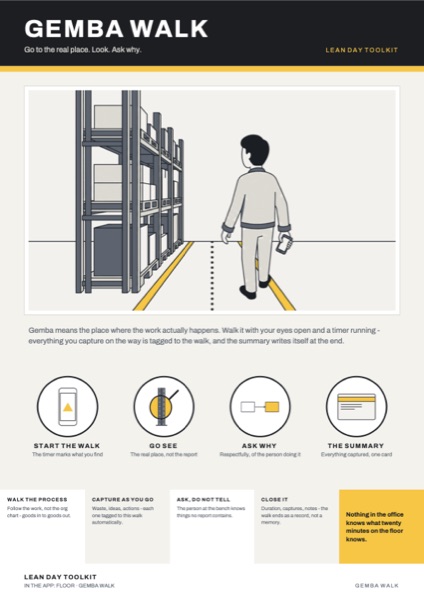 Gemba Walk
What it costs
Free to start, one payment for everything. Every tool is open for your first 30 minutes, and you can extend that free for 7 days, once. After that, 5S audits and their PDF, the action list, the stopwatch, near-miss reports, 5 Whys, takt and OEE, floor notes and the whole learning section stay free. The full version opens every other tool with a single purchase — no subscription, no seats, no renewal.
Free for good
- 5S audits, their results and the audit PDF
- Actions — the action list and its reminders
- The stopwatch (quick time study) and its results
- Near-miss reports
- 5 Whys, the takt calculator and the OEE calculator
- Floor notes
- All learning content — films, lessons, tool videos, glossary, quiz
- Settings, backup and restore, and the privacy screen
In the full version
- Step-by-step (element) time studies, studies from video, SMED
- Waste log and "what keeps happening"
- Kaizen ideas and the PICK chart
- SPQDC board, hour-by-hour board, downtime
- Gemba walks
- Line map and kaizen events
- Problem statements and A3, VA/PCE
- Before/after sheets and visual standards
- Reports library, spreadsheet exports, posters (in-app printing), diagrams
- Checklist template packs, check schedules, equipment register
- Site setup files (share and import)
- Floor timers
Nothing is deleted when tools lock. Actions raised by any tool stay in the free action list, and backup and restore stay free, so your whole record can always be taken with you.
Companies and fleets
Rolling out to a site's tablets? Email support@plapl.app about volume arrangements for company devices.
Privacy
No account, no login, no cloud. Your audits, photos, studies and notes are stored on your phone and go nowhere unless you share or print a file yourself. We collect nothing. Purchases are handled by Google Play or the App Store.
No analytics, no ads, no tracking. On Android: the Android app does not even declare the internet permission. Google Play's Data safety section for the app reads "No data collected" and "No data shared with third parties".
The full statement is here: Privacy Policy.
Common questions
Does it really work with no connection?
Yes. Every tool works offline, in a basement or a cold store. No account, no login, no cloud. Your audits, photos, studies and notes are stored on your phone and go nowhere unless you share or print a file yourself. Purchases are handled by Google Play or the App Store. On Android, the app does not even declare the internet permission.
What does it cost?
Free to try. A core set of tools and all the learning stay free for good. One purchase unlocks the rest — no subscription.
Do I need an account?
No. There is no sign-in anywhere in the app, and nothing about you or your site is collected.
Can I move everything to a new device?
Yes. Export a single backup file containing every record and photograph, move it to the new device, and restore — with a preview first, and a choice to merge or replace.
Which languages does it support?
The app is in English, Spanish, Portuguese, German, Italian, Polish, Romanian and Turkish. The films and lessons are in all eight languages. Four are narrated in your own language; German, Polish, Romanian and Turkish are subtitled. The tool videos are narrated in English.
Is it on iPhone and iPad?
Yes. Lean Day Toolkit is on the App Store for iPhone and iPad (iOS 15 or later) and on Google Play for Android, and on the Amazon Appstore for Fire tablets.